
More Than Just AI Tools: AI9app 's Free Resource Platform — Prompts, Tutorials, GitHub Picks, and How Creators Earn
Most people find AI9app.io through its AI generation tools — videos, images, avatars. But the ones who stick around usually discover something else: a free AI resource platform sitting alongside all those tools. Prompt libraries, AI skill guides, automation templates, GitHub repository recommendations, and original tutorials from community creators covering everything from e-commerce operations to building AI Agents — most of it completely free to browse.
Official : https://ai9app.io/
This issue of 99aicreator breaks down AI9app.io's resource ecosystem, so you know exactly where each entrance is and what you can take from it.
AI 提示詞圖庫:分類細,中英文都在AI9app
Head to the AI Prompts page and the first thing you see isn't a list of text — it's prompt cards with actual generated image or video previews attached. A "Featured Blueprints" row sits above a community creation wall, so you're looking at the finished result before deciding whether to use that prompt.
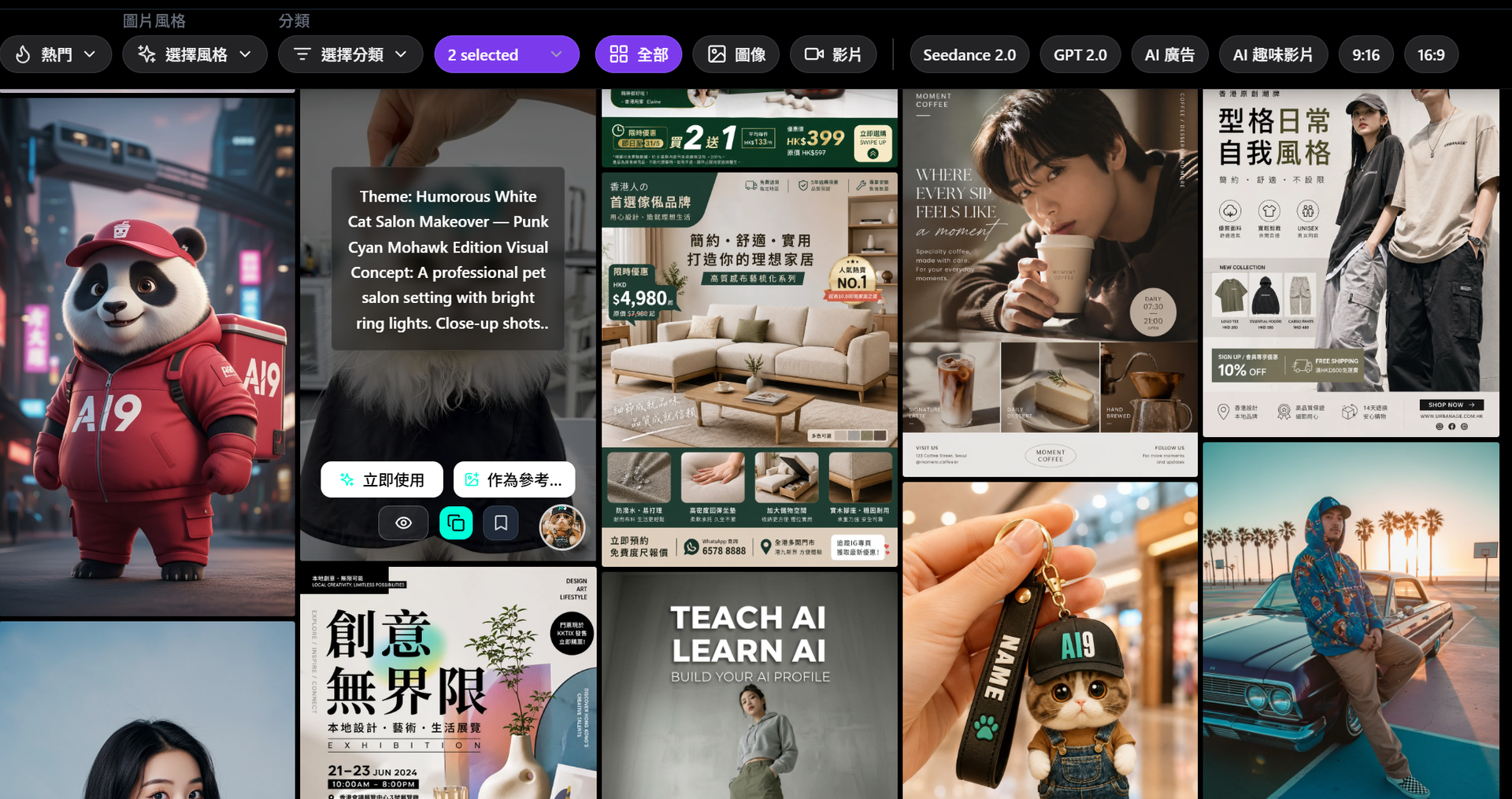
The category system is thorough: AI Advertising, AI Banner, Social Media, Poster & Card, Pose Templates, Cinematic, Portrait, Cityscape, Food & Drink, Fashion, AI Influencer, AI Product Ads, AI Animation — dozens in total. Two categories are worth flagging specifically: Seedance 2.0 and GPT 2.0 each have their own dedicated sections, collecting prompts that community creators actually used to generate their work, with effect previews attached. Copy directly or tweak as needed.
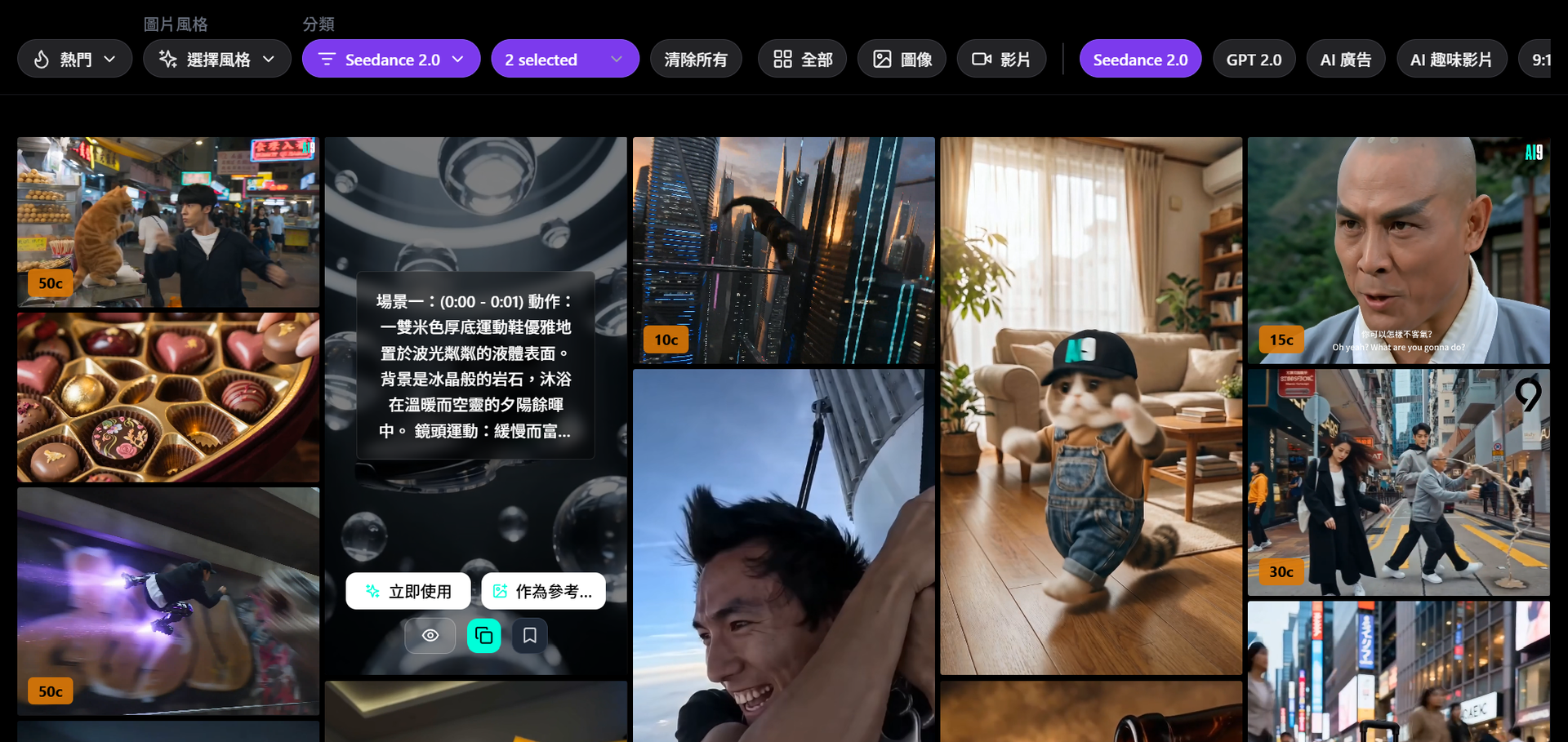
Filtering goes beyond category — you can also select by style (realistic/photorealistic, anime, watercolor, cyberpunk, cinematic…) and aspect ratio (portrait, landscape). Log in and you unlock image-versus-video filtering too. If you need "9:16 portrait, cinematic style, advertising category," three dropdowns get you there.
Basic prompts are free to copy and use immediately. Premium prompts cost credits to unlock — pay once, use and copy as many times as you want after that, no repeat charges.
Marketplace Resource Types: Tutorials, Agents, GitHub Repos, Skills — Not Just Prompts
Many people assume AI9app.io's Marketplace is a prompt shop. It's broader than that. The full resource type list:
- AI Tutorial — written or video-format how-to guides
- AI Agent — custom GPTs and assistant configurations
- AI Skills — usage guides for Cursor, Codex, and similar tools
- Automation — Make and Zapier workflow templates
- GitHub Resource — repository links with explanations
- Image Prompts — for Seedream, GPT Image, and similar models
- Video Prompts — for Seedance 2.0, Sora, and others
- Prompt — general text-based instructions
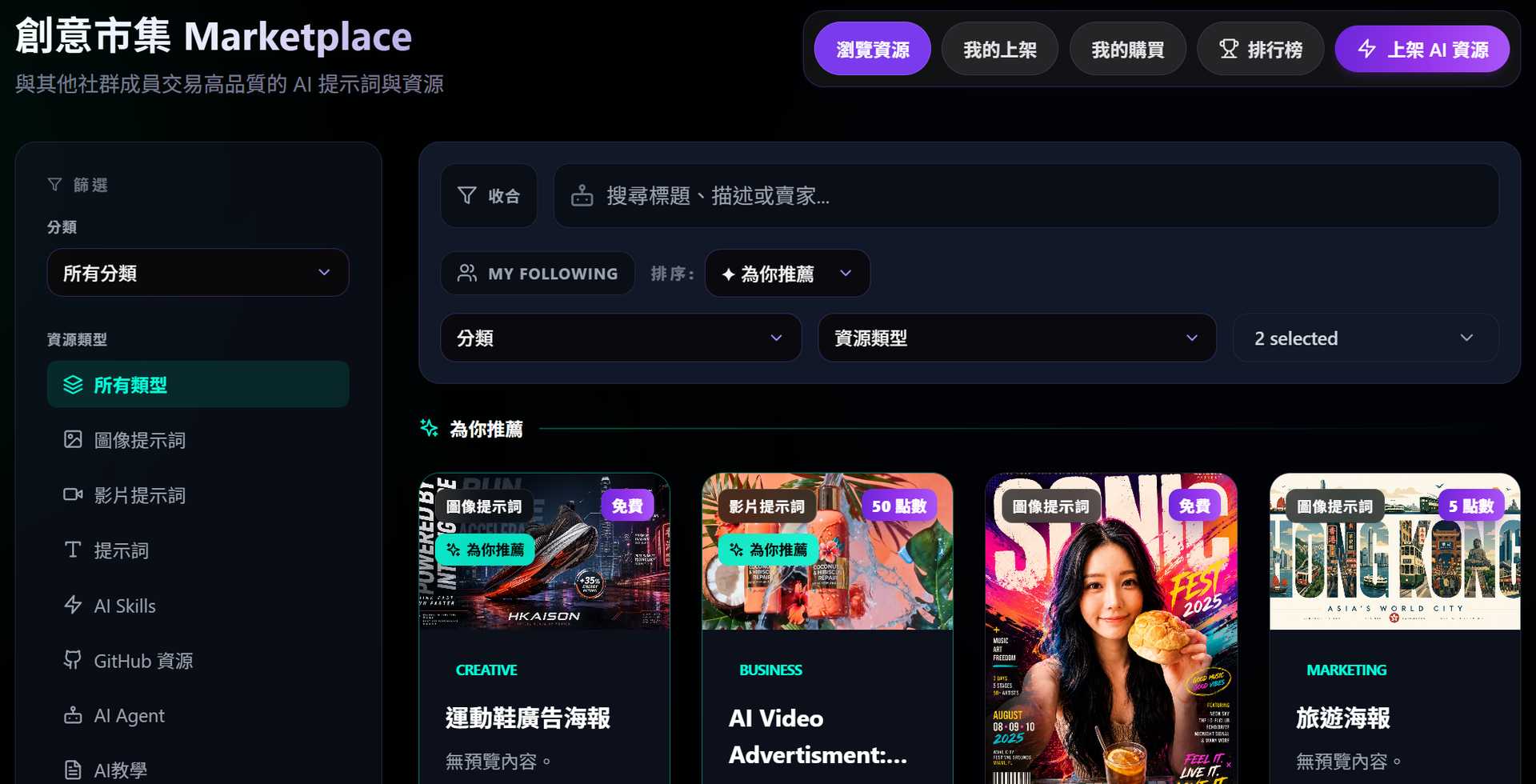
Filter by resource type, then layer on category (Business, Marketing, Social Media, Coding, Education…) and language (English / Traditional Chinese / All), and you can get precise fast. Sorting options include Recommendation, Newest, Most Viewed, and Most Liked — the homepage also surfaces featured and pinned listings so the high-quality work is visible without digging.
IG Ads, Shopee E-commerce, and UGC Templates — Where to Find Them
If you're doing social marketing or e-commerce, these filters get you there quickly:
On the AI Prompts page, select AI Advertising and look for portrait (9:16) or square (1:1) formats. Many are creator-tested results with full prompt strings attached. The AI Product Ads category skews more toward e-commerce product display aesthetics — matching what you'd use for Shopee, Shopline, or similar platform listings, hero images, and Story ads.
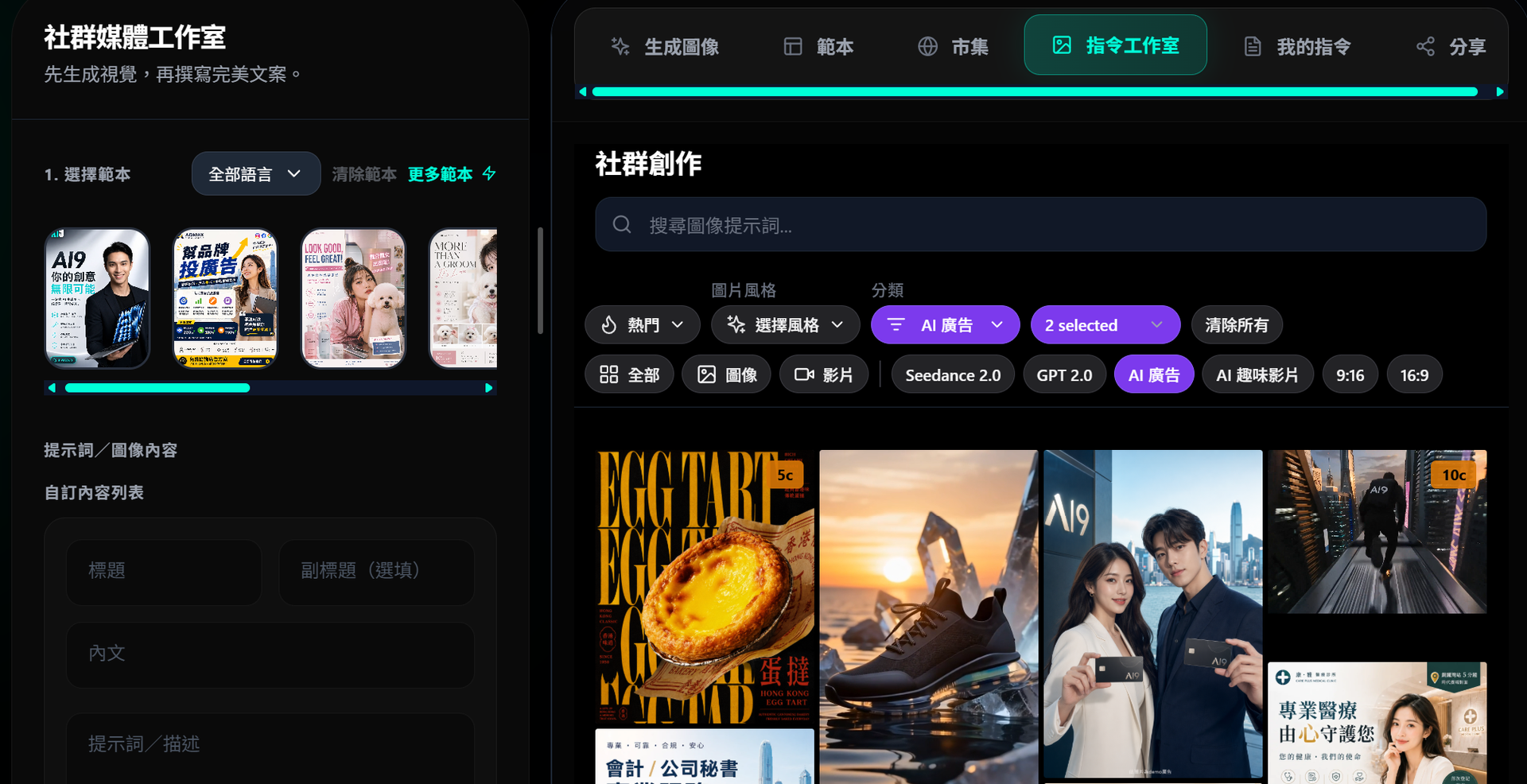
UGC-style templates (the kind that looks like real-person footage rather than polished ad creative) show up most in AI Influencer and the video prompt sections — good for unboxing content, product reviews, or casual social posts.
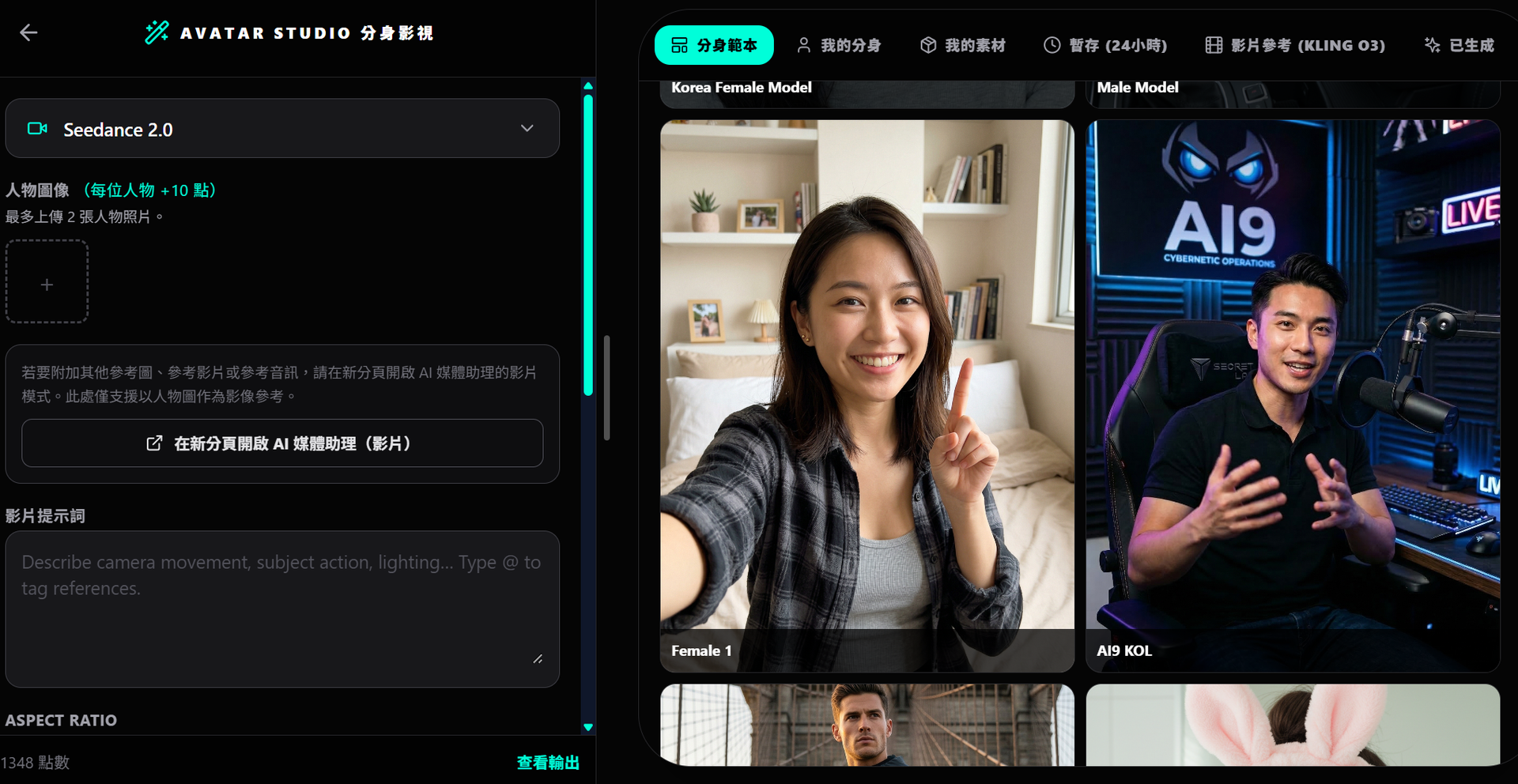
In the Marketplace, search "e-commerce" or filter by Marketing category for prompt packs other creators have assembled specifically for Shopee product descriptions, Facebook ad copy, or IG engagement posts. Buying a ready-made pack tends to be faster than building your own prompt from scratch through trial and error.
Prompt Library and Skills Library: The Overlooked Pair
Two pages most users walk past:
The AI Prompt Library (指令庫) collects text-based work instructions rather than image or video prompts — categories cover Marketing, Sales, Customer Service, Productivity, Business. These are the system prompts and task instructions you'd drop into ChatGPT or any LLM for actual work tasks. Content writers, marketers, and product teams will find directly usable material here.
The AI Skills Library (技能庫) is more technical in focus — usage guides for Cursor, Codex, and developer-adjacent tools, plus step-by-step breakdowns of complex AI workflows. Each entry includes usage instructions that tell you exactly which tool to pair it with and how to apply it.
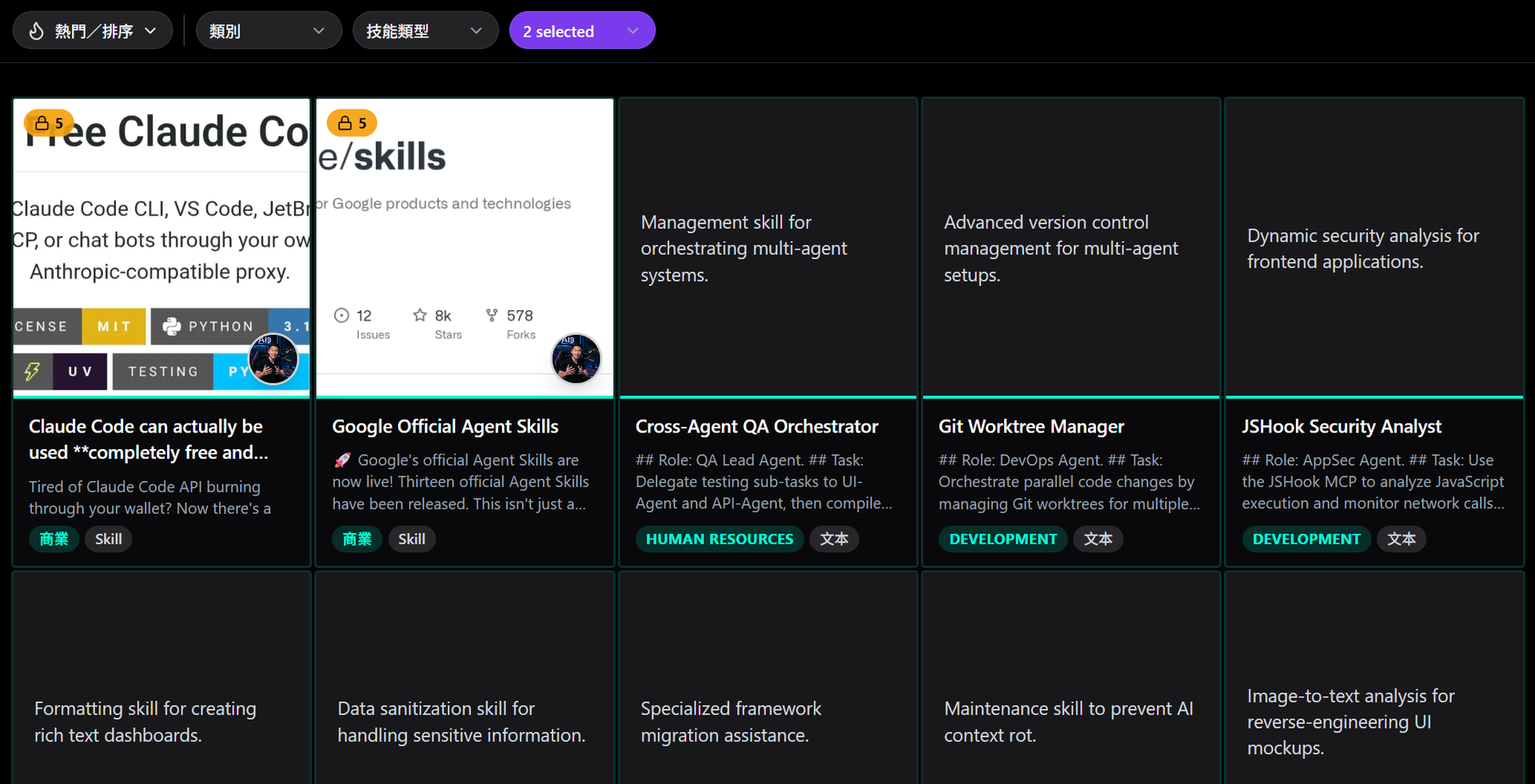
Both libraries use the same credit-unlock model: free content is open immediately, paid content costs a one-time unlock, then it's yours to copy and reuse indefinitely.
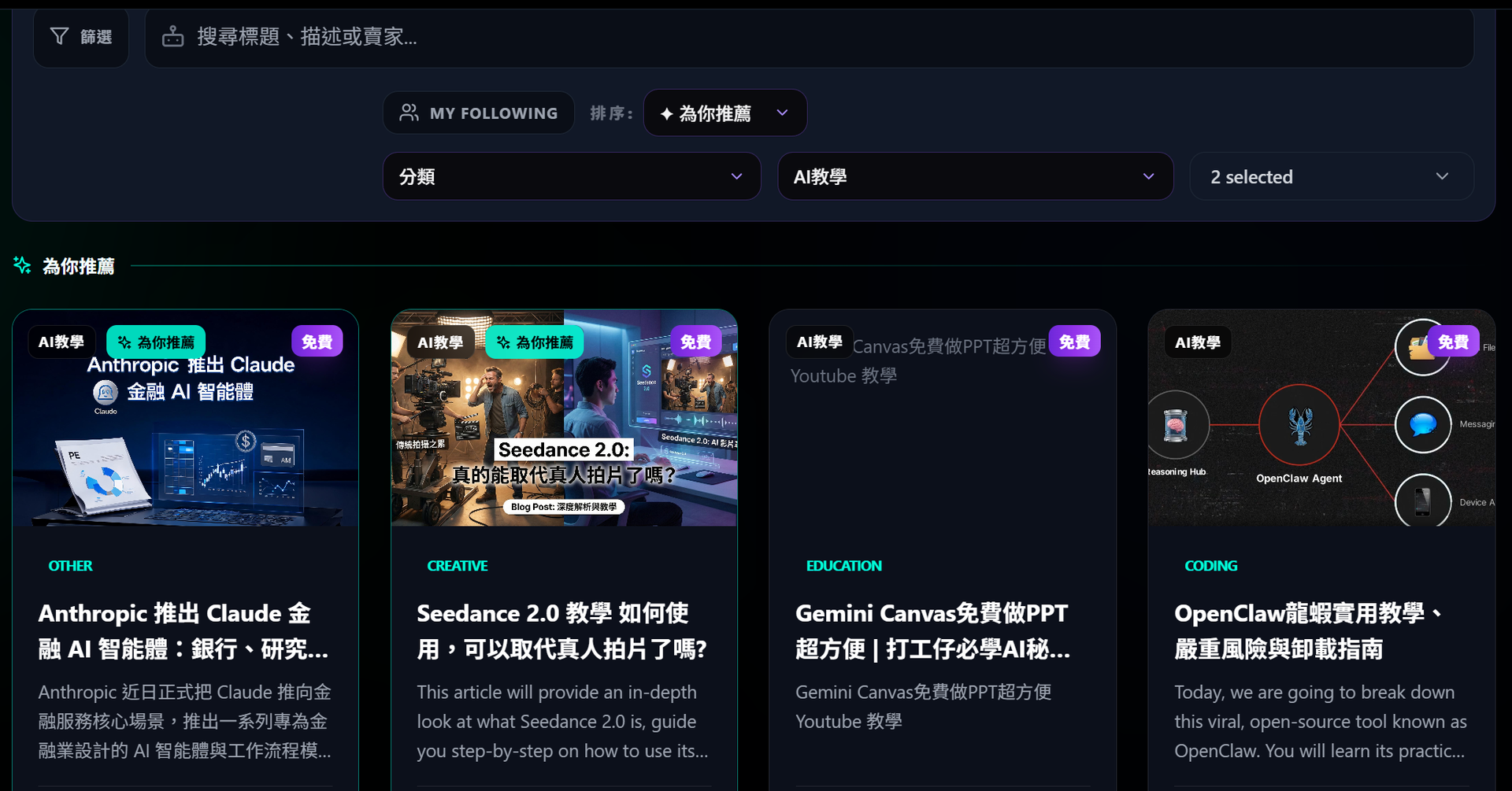
AI9app平台有大量免費AI教學:從電商到 AI Agent
The Guides / Knowledge Centre is platform-maintained documentation, organized into Image Tools, Video Tools, Commerce & Advertising, Marketplace, and Creator Guides. Each guide ends with a direct link to the relevant tool — no hunting around for the right page afterward.
Creator-uploaded AI Tutorial listings in the Marketplace read more like personal field notes. Someone who actually tested an AI workflow for Shopee product photography. Someone who documented the steps for building an AI Agent from nothing. Someone who embedded a YouTube walkthrough with full written context. These tend to be more grounded than official platform docs because they come from people who already hit the walls. Many creators ship both Traditional Chinese and English versions in the same listing.
How Credits Flow Back to Creators
Upload and sell on AI9app.io and every sale deposits credits directly into your account. Those credits spend on the platform's AI generation tools — so your resources fund your own content production.
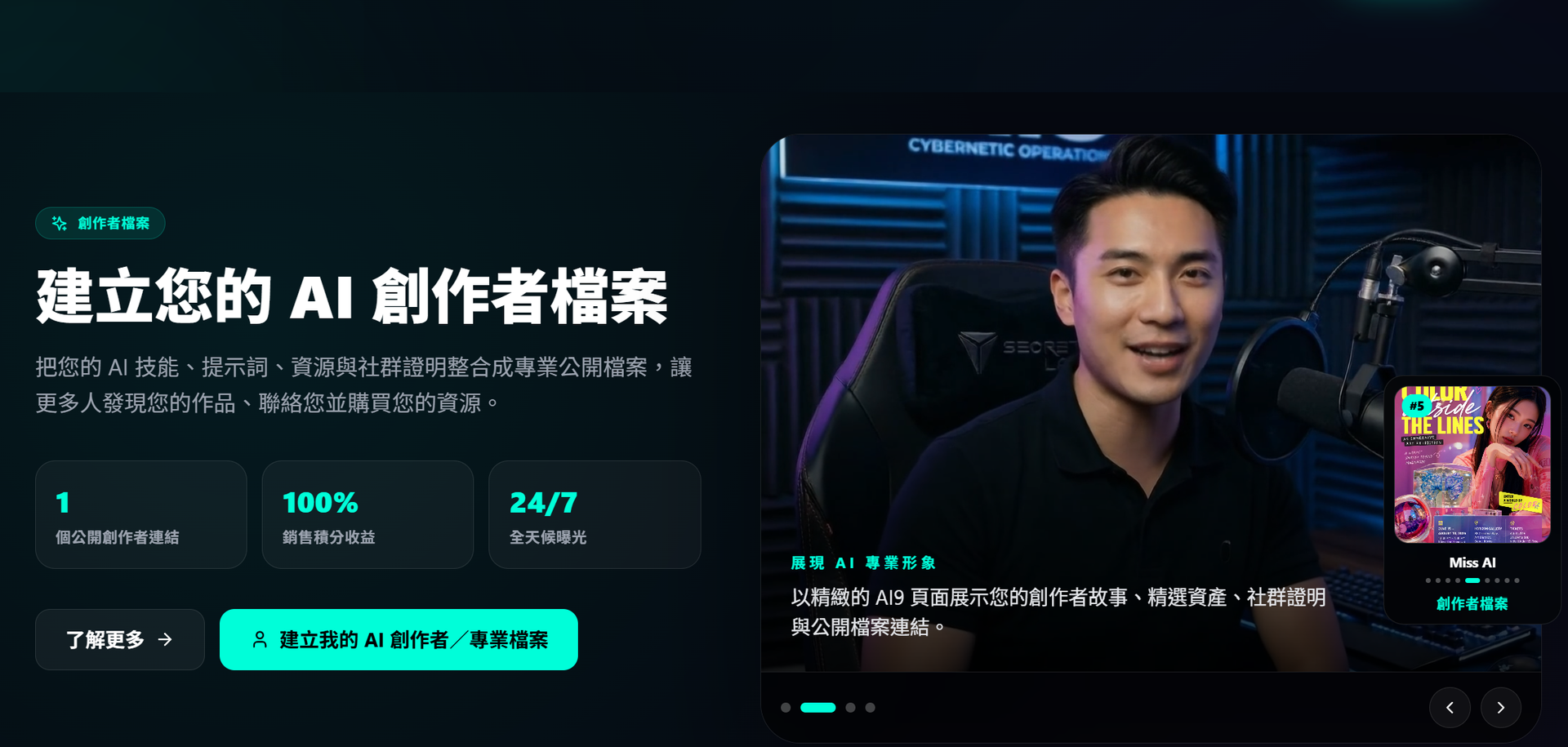
The upload process: fill in a title (one language minimum, Chinese or English both supported), pick a category and price, write a short intro, upload a cover image and the resource content itself, choose whether to sync it to the AI Prompts gallery, the Prompt Library, or the Skills Library, then submit. Review takes around 24 hours.
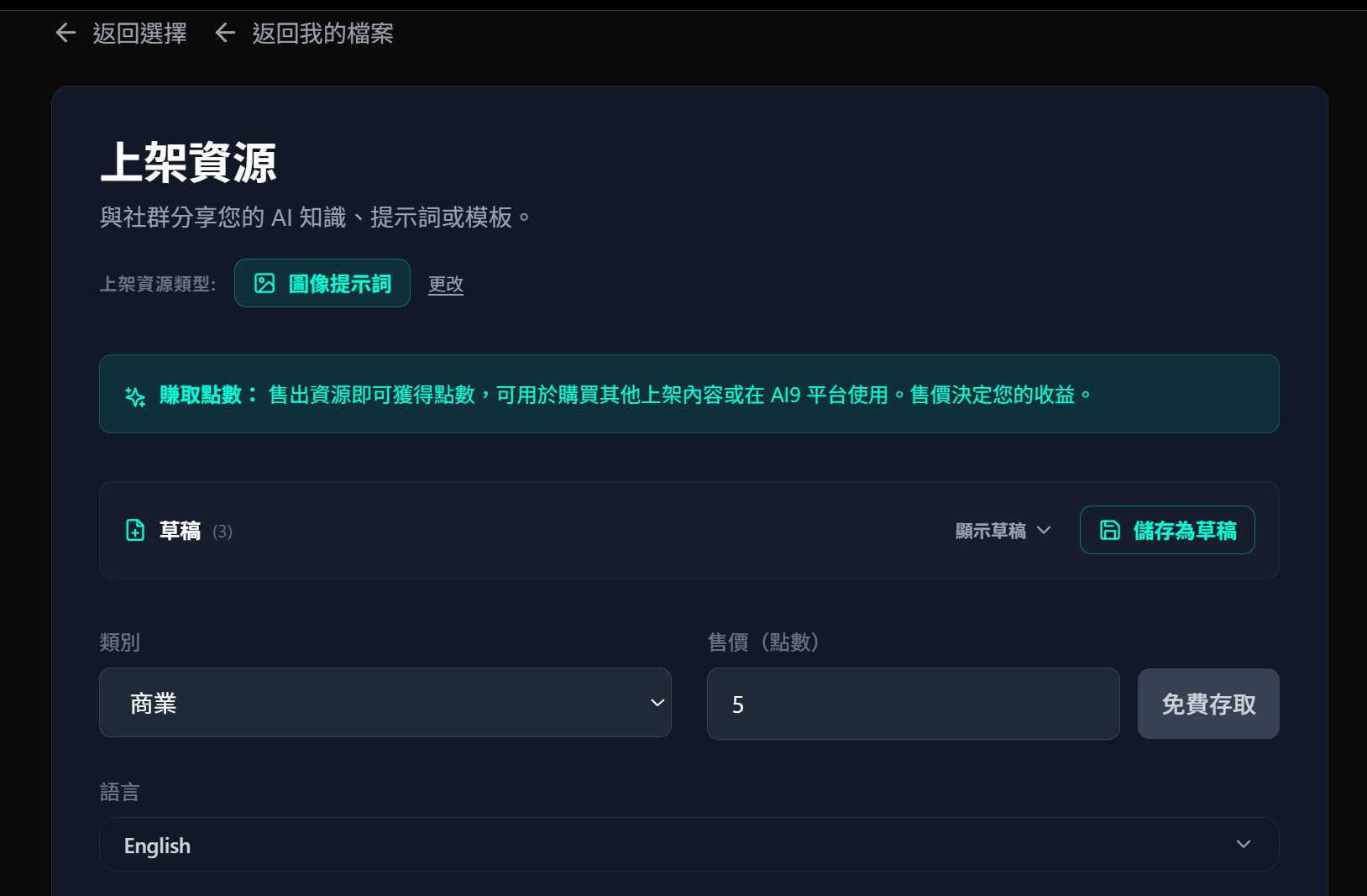
You can price a listing at zero — free for anyone to access. Readers who find it valuable can optionally send you a credit tip, which means a free listing isn't necessarily a zero-revenue listing.
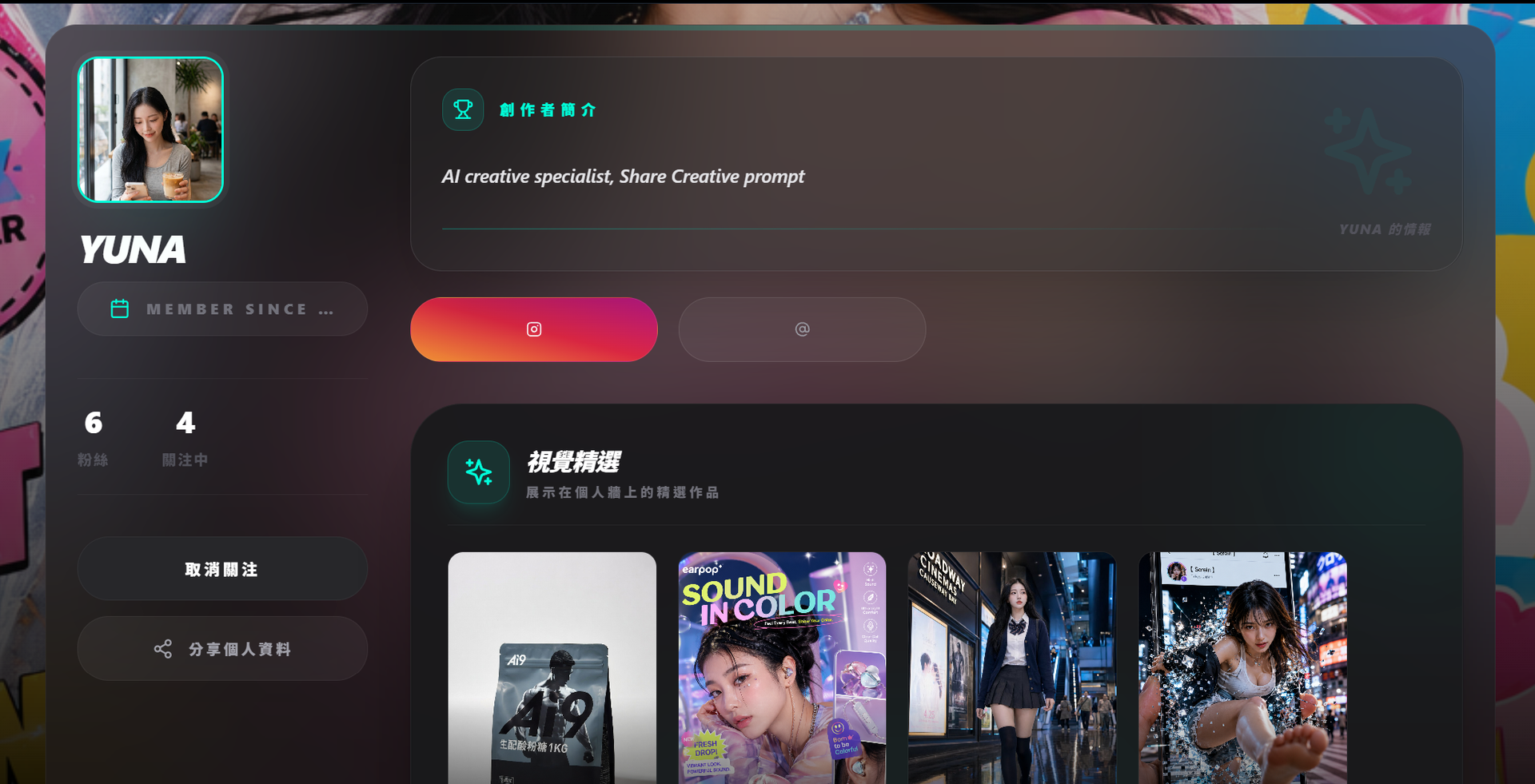
Your Seller Profile page aggregates all your public work, your follower count, and your sales statistics. The Marketplace Leaderboard ranks creators by total credits earned — consistent output builds real visibility over time.
Bottom Line: Use AI9app.io as Your AI Resource Base
If you occasionally need a prompt, the AI Prompts page saves significant trial-and-error time. If you're working in e-commerce or advertising, go straight to the Advertising, Product Ads, or UGC-adjacent categories. If you're a developer or heavy AI user, the GitHub resource listings, Skills Library, and Agent-type resources are worth browsing steadily.
The bigger point: everything you learn here, every workflow you refine, can be packaged and listed as a resource. The platform turns your learning cost into a credit income stream. That loop is why AI9app.io functions less like a tool you visit and more like a community you build inside.
Next issue: a step-by-step walkthrough of building a complete Shopee e-commerce ad asset set using prompts sourced entirely from the AI9app.io prompt gallery.