
Our Services





Gemini Hong Kong Free Usage Guide: The Latest Gemini 3 Flash Complete Guide, 10 Essential Features + Image Generation and Editing + Work Tips
Introduction to Free Use of Gemini in Hong Kong: Why can't it be used directly in Hong Kong? How to solve it?
Simple Tutorial: Get Started with Gemini in 5 Minutes for Beginners
10 Essential Gemini Features + Complete Work Tips
Introduction to Free Use of Gemini in Hong Kong: Why can't it be used directly in Hong Kong? How to solve it?
Many Hong Kong users see the message 'Gemini is not supported in your country/region' when they open gemini.google.com. This is because Google has restrictions on certain regions (including Hong Kong), mainly for compliance reasons. But the good news is that the core features of Gemini can actually bypass these restrictions through simple methods, allowing free use!
The simplest and most reliable method is to use a VPN to connect to supported regions, such as Japan, Taiwan, Singapore, or the United States. I recommend free or low-cost VPNs like Proton VPN (which has a free version for mobile) or some stable services. The steps are super simple:
Download a reliable VPN app (available for Android/iOS/PC).
Connect to a server in Japan or Singapore (fast speed, low latency).
Open your browser and go to gemini.google.com.
Log in with your Google account, and you can use it!
Additionally, some friends use third-party platforms like Poe.com to indirectly use Gemini (without VPN), but the features may be limited. Alternatively, you can use Google Workspace's Sheets with plugins, but the most direct method is still VPN.
After using a VPN, you can use the latest Gemini 3 Flash model for free. This is Google's main free model for 2025, which is fast, responds naturally, and is much stronger than the old version! The free version has a daily usage quota (depending on the length of the conversation, roughly dozens to hundreds of times), which is sufficient for daily use. If you exceed the quota, just wait until the next day or upgrade to the paid version.
Blog Author Recruitment
Free User Limitations + Differences from Paid Version
Free Version (Gemini 3 Flash) but Flash is already very intelligent:
There is a limit on the number of conversations per day (depending on complexity, approximately 50-100 times), and even if used up, it can be used again the next day, with the daily limit recalculated.
There is a daily limit on image generation (approximately 50-100 images).
There is no unlimited Deep Research.
If you switch to the higher-tier Gemini 3 Pro model, free users only have 'basic access', with very low daily limits that change frequently (usually only a few times, like 2-5 times), as demand is high, Google prioritises paid users.
The free version can generate or edit about 2-3 images per day (using Nano Banana Pro or similar image models).
Paid version (Google AI Pro or Ultra, approximately HK$150-200 per month):
Essentially unlimited conversations and unlimited image generation.
Unlock Gemini 3 Pro, full version of Deep Research, and unlimited custom Gems.
Higher resolution image generation and priority speed.
If you are just using it for daily tasks, learning, or playing with image generation, the free version is definitely sufficient! Consider upgrading only if you exceed that.
Simple tutorial: New users can get started with Gemini in 5 minutes.
After connecting with a VPN, go togemini.google.com.
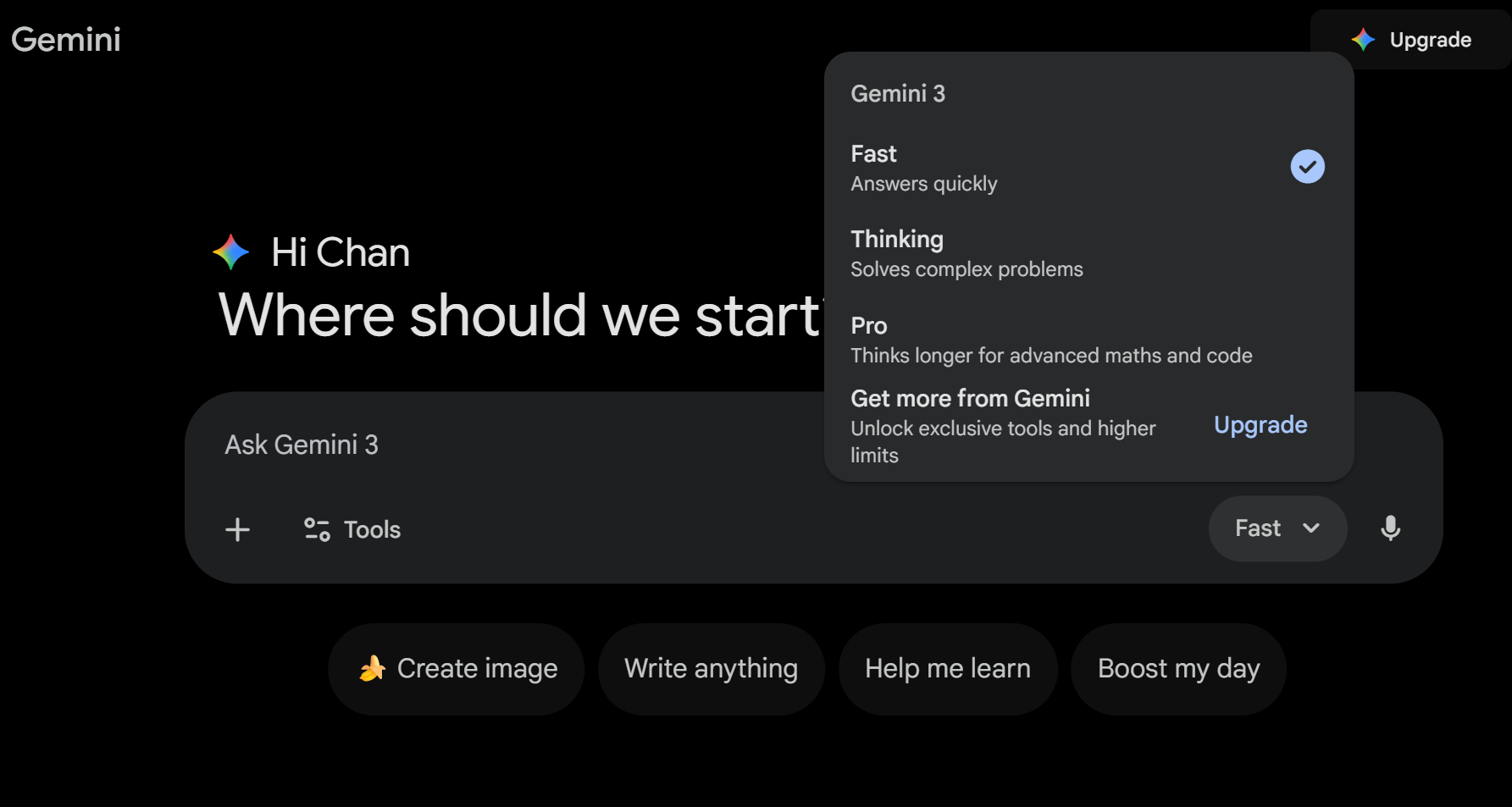
Select the Fast model (Gemini 3 Flash); the free version has a daily conversation limit depending on complexity, approximately 50-100 times.
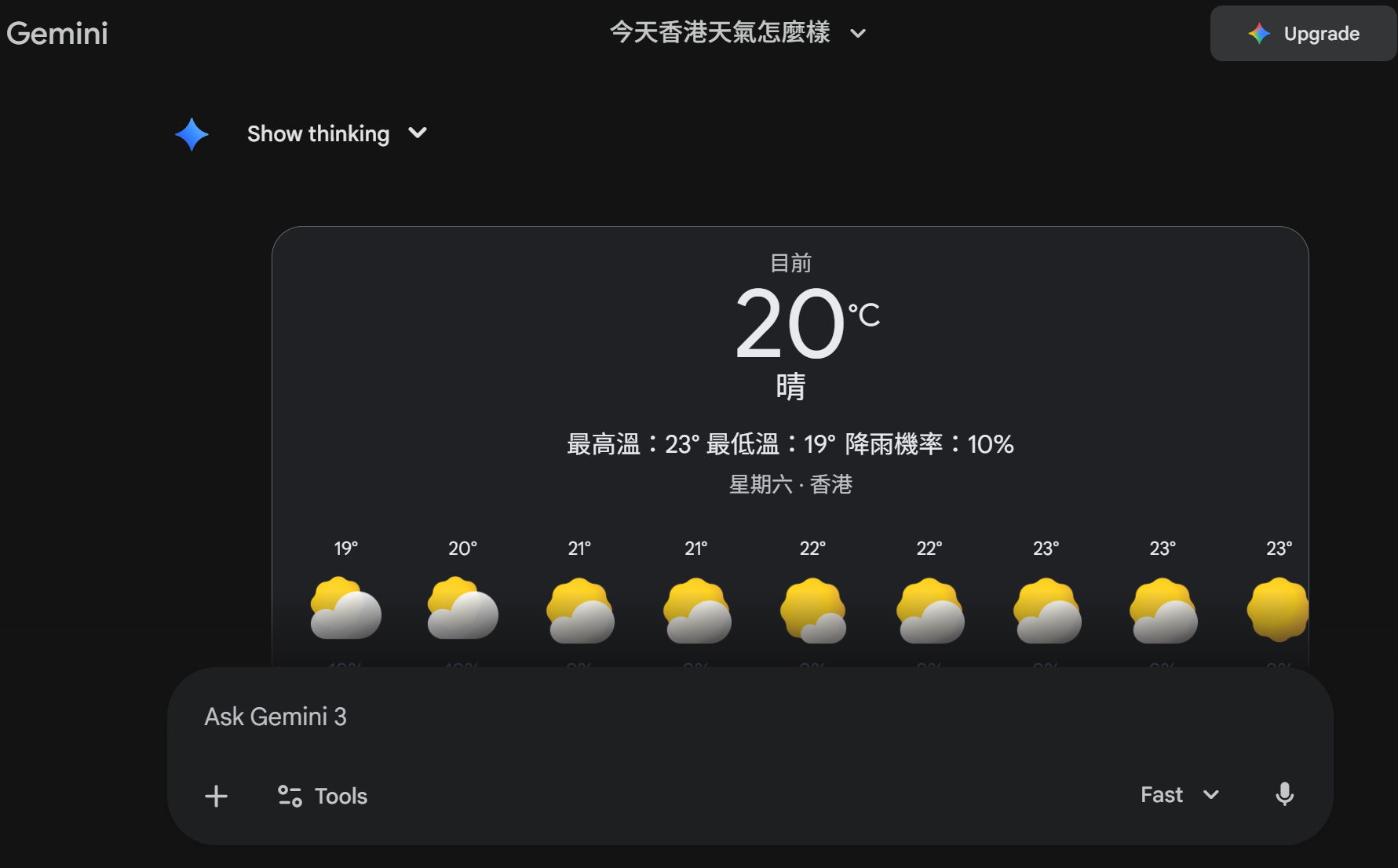
Type your questions directly in the input box below, for example, 'What is the weather like in Hong Kong today?' It will respond instantly.
Upload an image: Select the image creation icon, upload a photo and ask 'What is this image?' or 'Help me edit this image.'
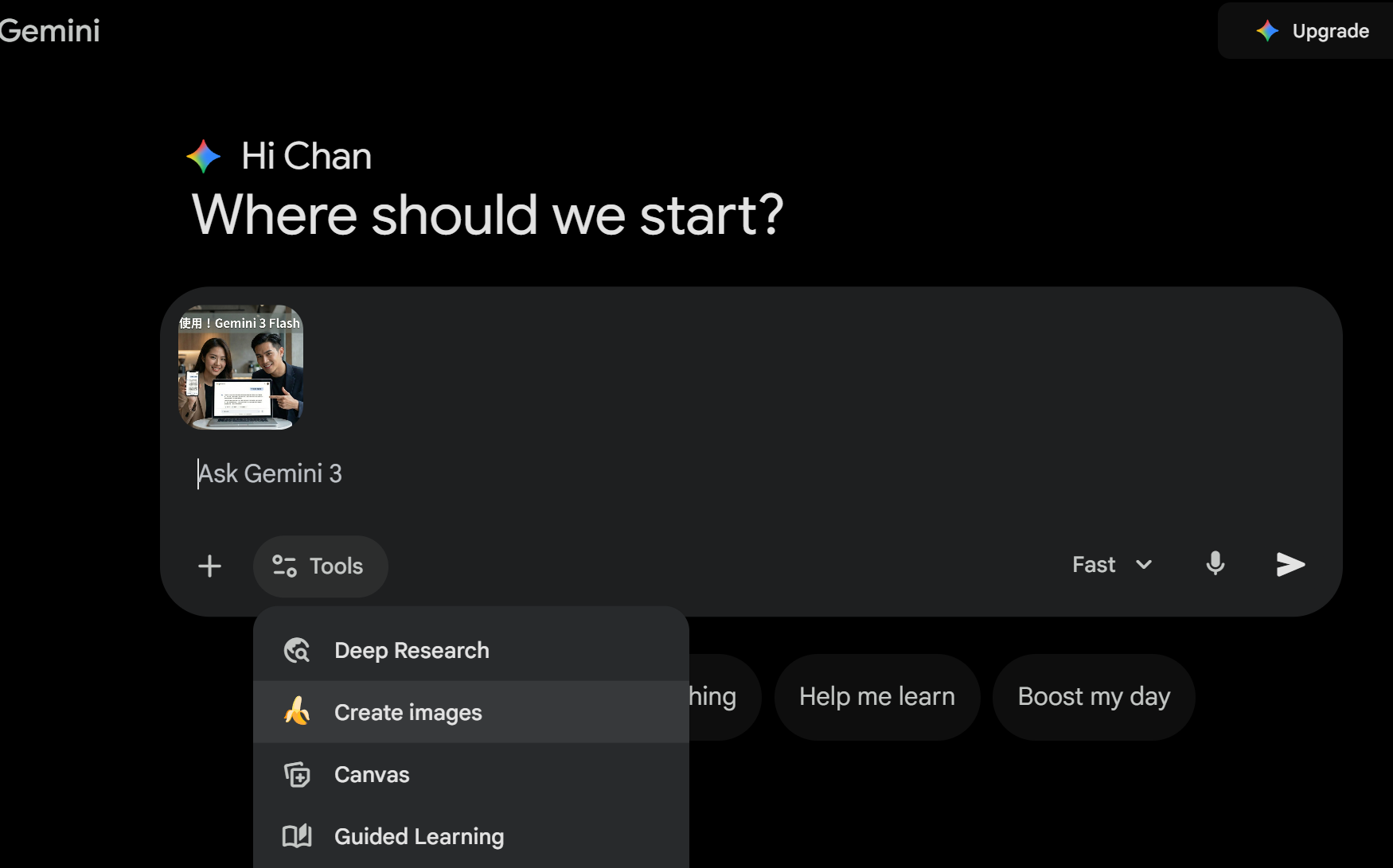
Image generation: Simply say 'Generate a portrait of a beautiful woman in Hong Kong style.' There is a daily limit on image generation (approximately 50-100 images).
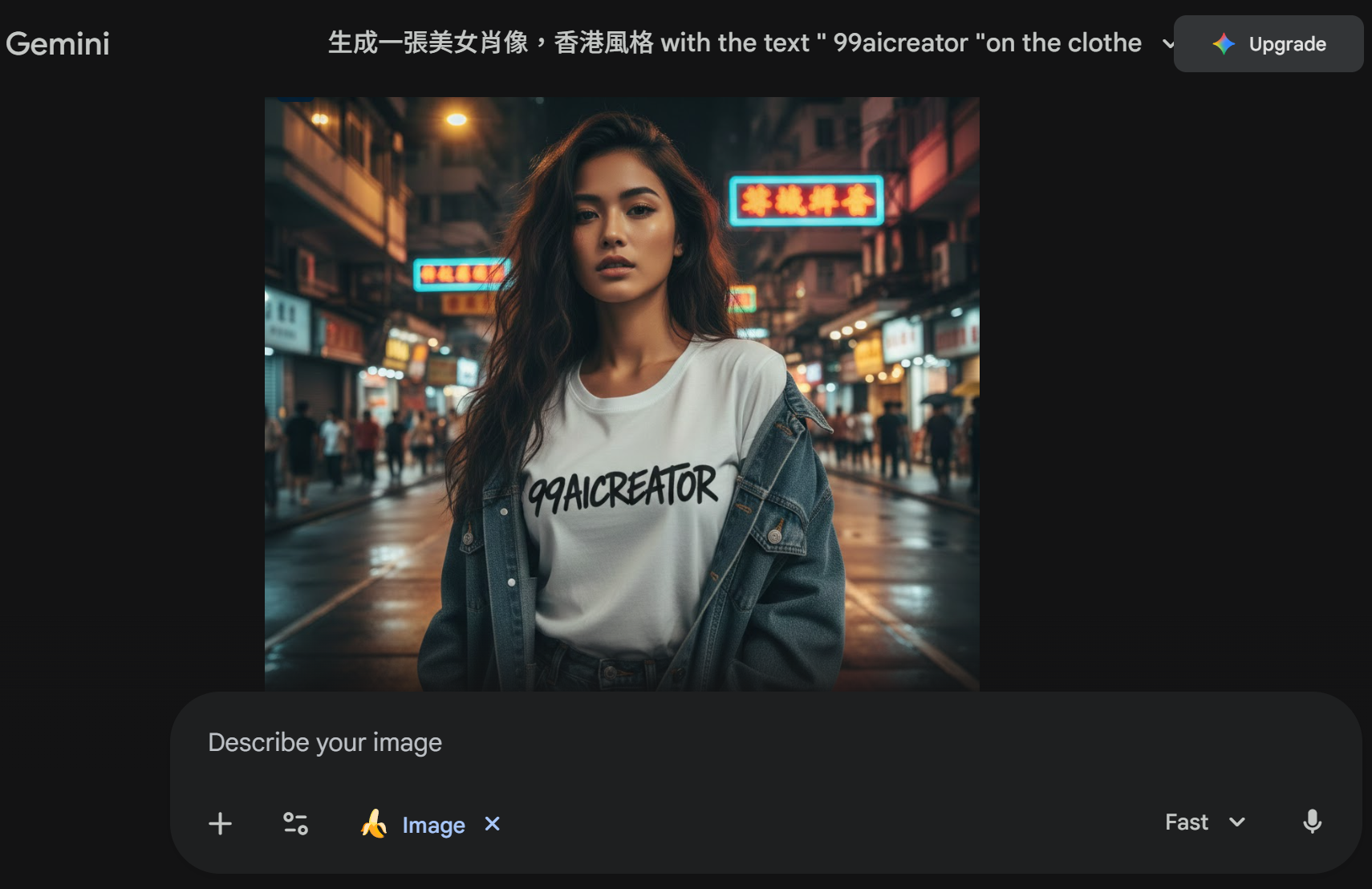
Long conversations: It will remember the context, which is super convenient.
Tip: Ask in traditional Chinese, Gemini supports it very well, and responses are natural and fluent.
Landing Page creation service.
Using AI technology, quickly create Landing Pages that meet various promotional and integration needs, efficiently reducing manual processing costs with AI automation.
Contact us to learn more. Learn More
Click the image to preview the DEMO.



10 essential Gemini features + complete guide to work tips.
Gemini is not just a chatbot; it is now an all-in-one assistant! Below are 10 of my favourite features, especially suitable for users in Hong Kong for work, study, and entertainment.
Image generation (generate images of beautiful men and women) with Gemini's latest Nano Banana Pro model, the image quality is extremely high! The free version can also generate character images (including portraits of beautiful men and women). Tip: Use detailed prompts, for example, 'Generate a 4K HD portrait of a beautiful woman with long hair, smiling, wearing Hanfu, with cherry blossoms in the background.' Supports multilingual text on images. Want to generate a handsome guy? 'Generate a portrait of a handsome Asian man in a suit, with a sunny smile and a city background.'
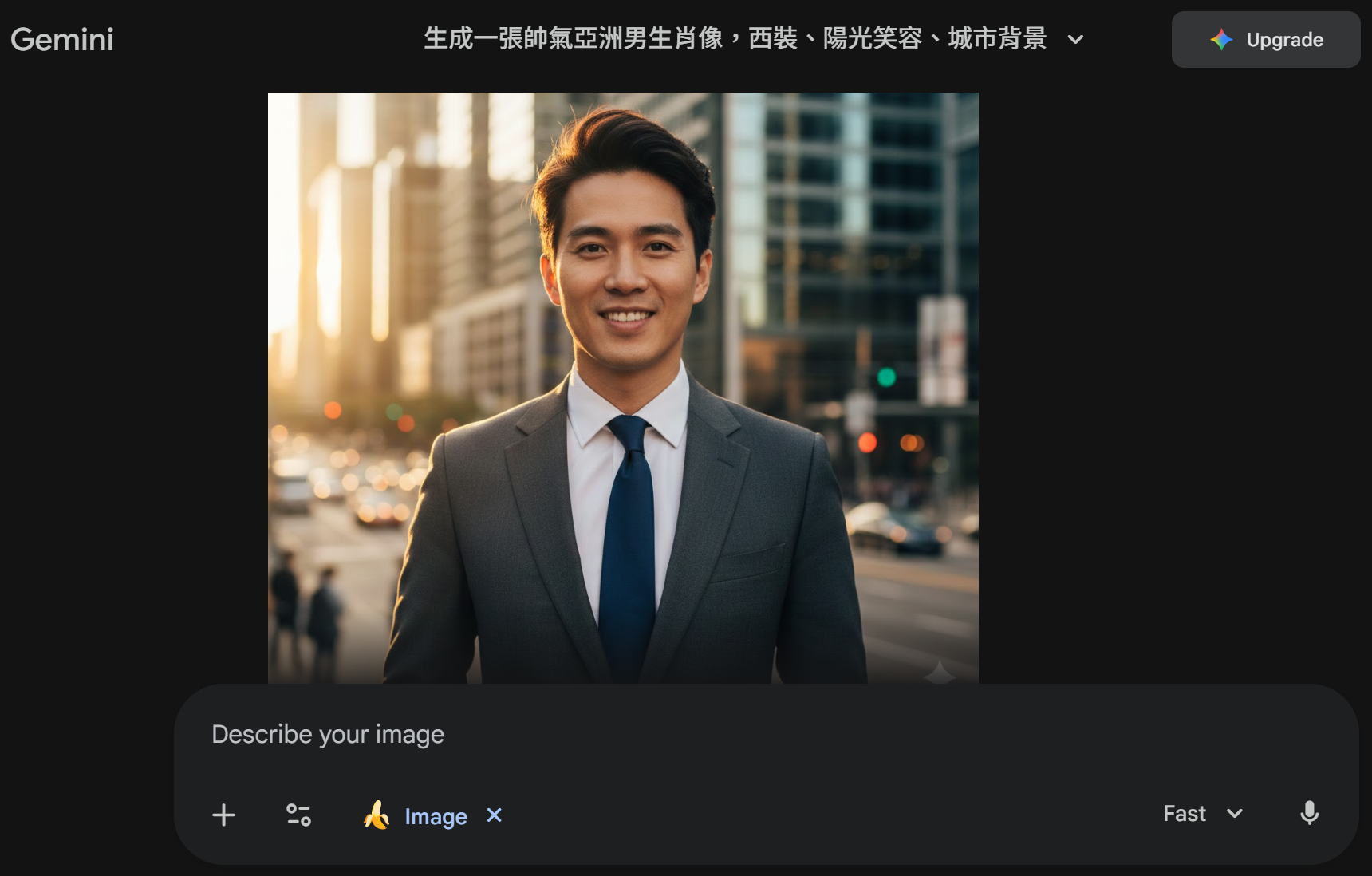
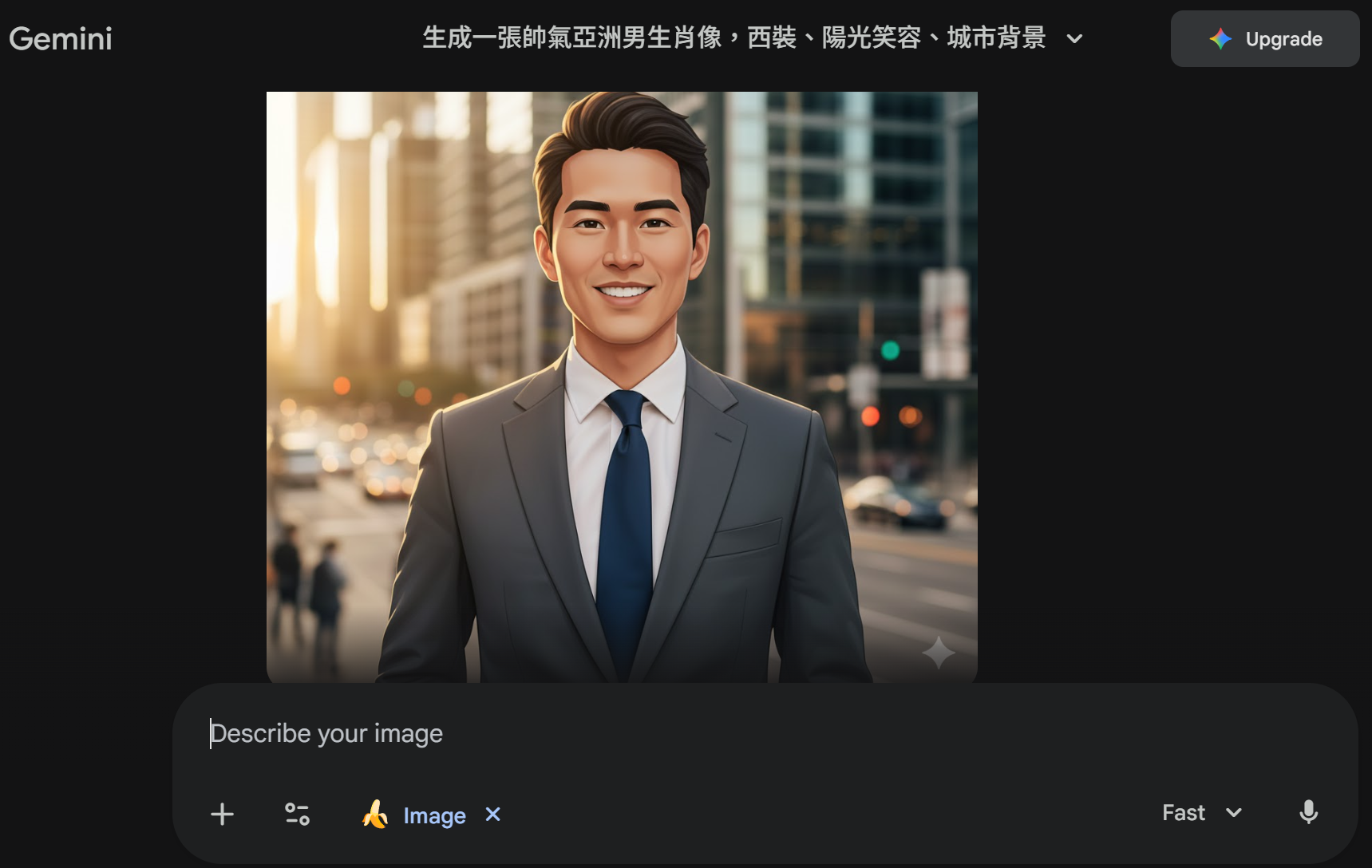
Image editing magic: Upload your own photo and say 'Change the background of this image to a beach' or 'Turn me into a cartoon style.' Supports merging multiple images, changing clothes, and adding effects. Extremely practical for work, such as editing product images.
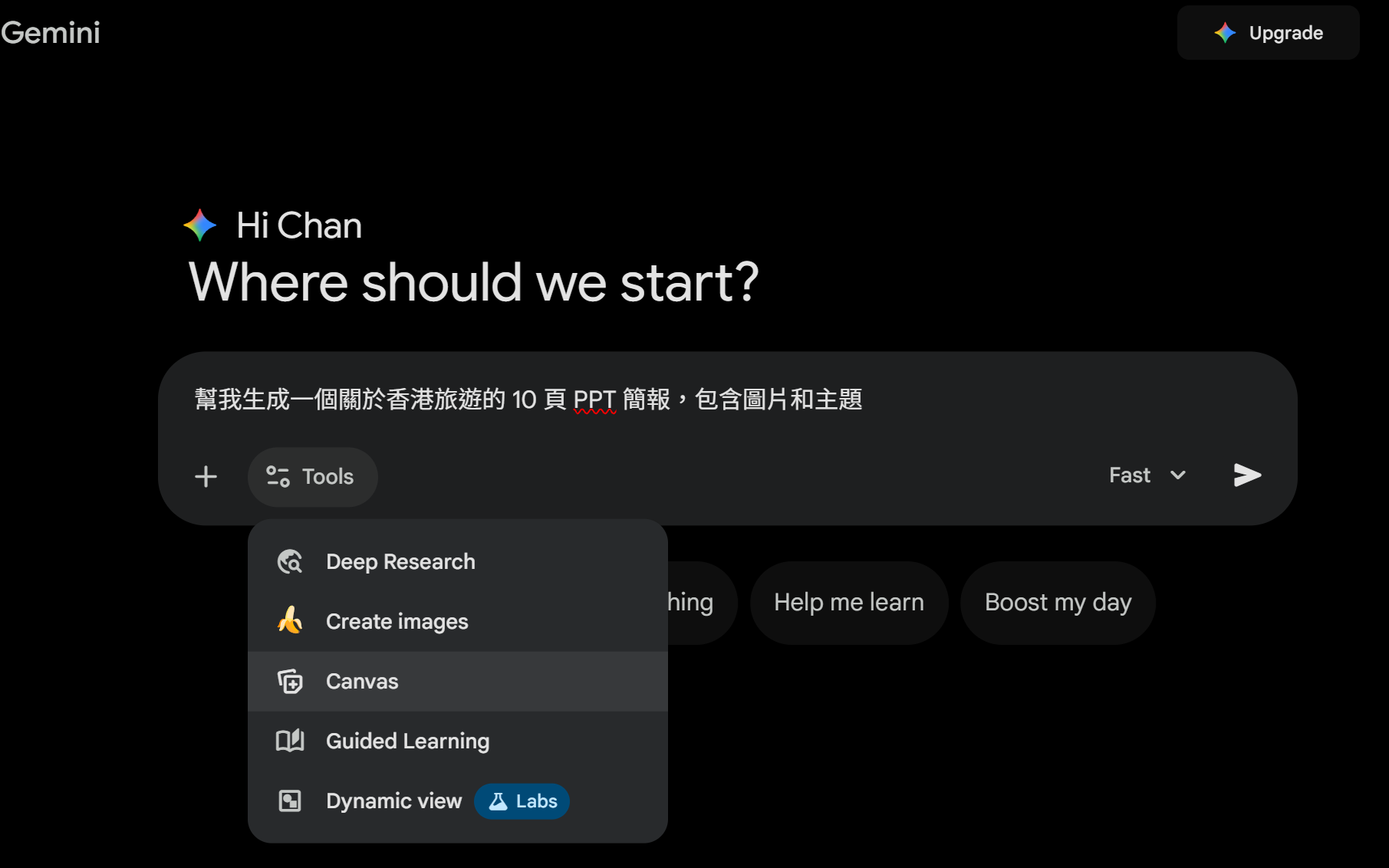
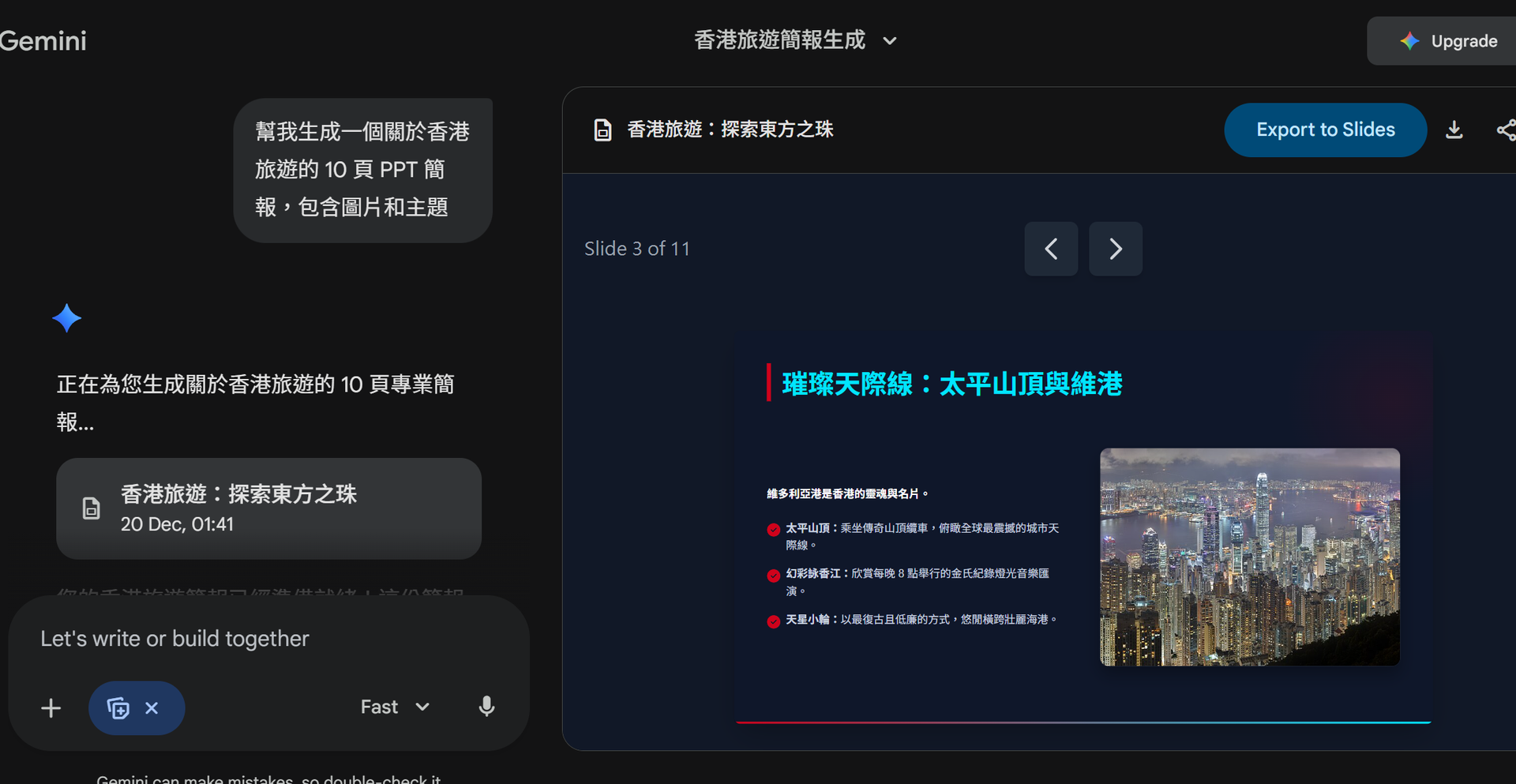
Generate PPT presentations / Presentation images. This is a new feature for 2025! Select the Canvas feature and directly say 'Help me generate a 10-page PPT presentation about travel in Hong Kong, including images and themes.' It will generate complete slides in Canvas mode, automatically adding attractive themes and relevant images, then directly exporting to Google Slides. Tip: Upload your notes or documents and say 'Generate a presentation based on this document.'
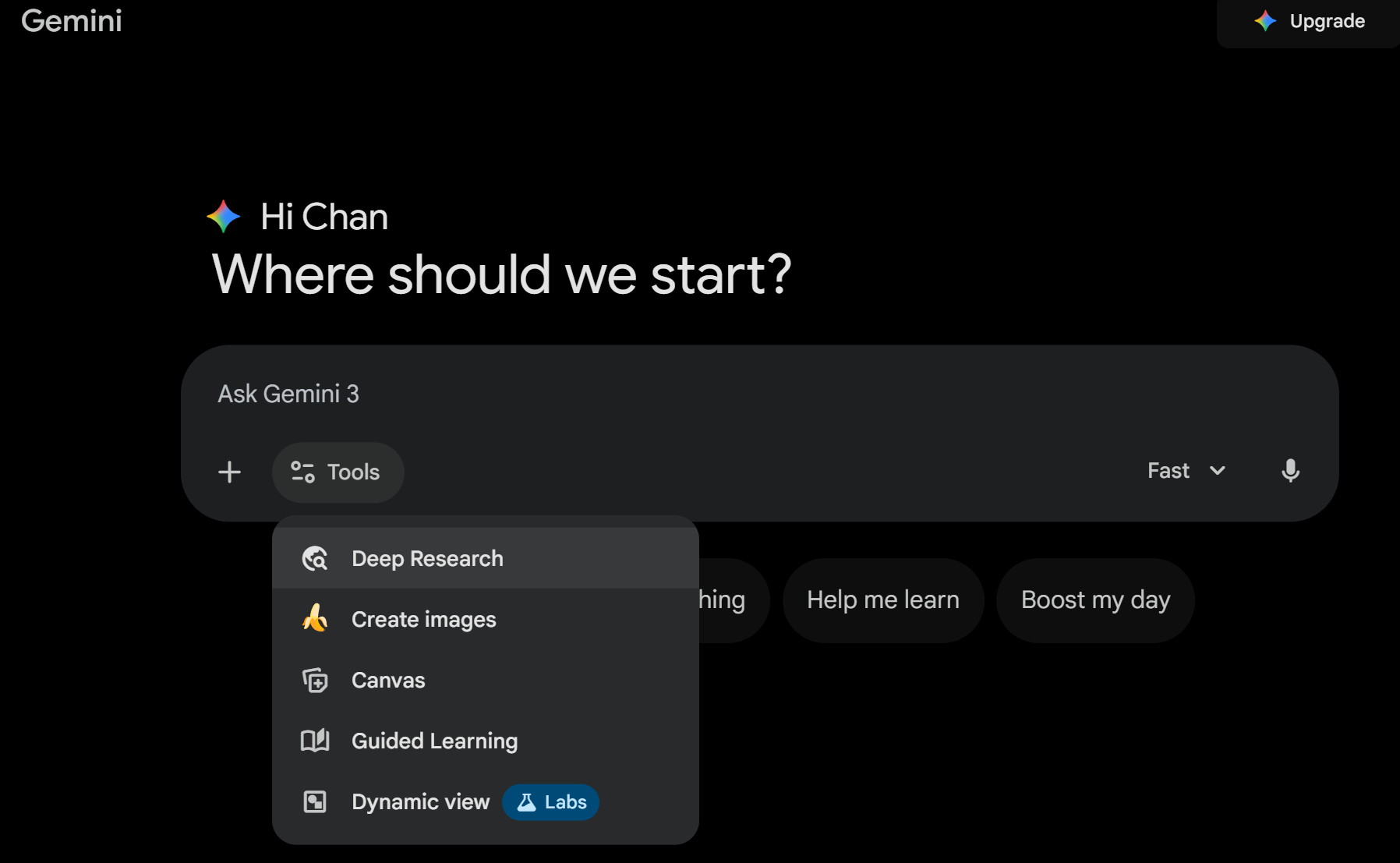
Latest Deep Research feature Deep Research mode: say "Deep Research: Analyse the trends of the Hong Kong property market in 2025", it will automatically search the web, read hundreds of pages of information, generate detailed reports, and even add charts and interactive simulations. The free version has limitations, but is generally sufficient.
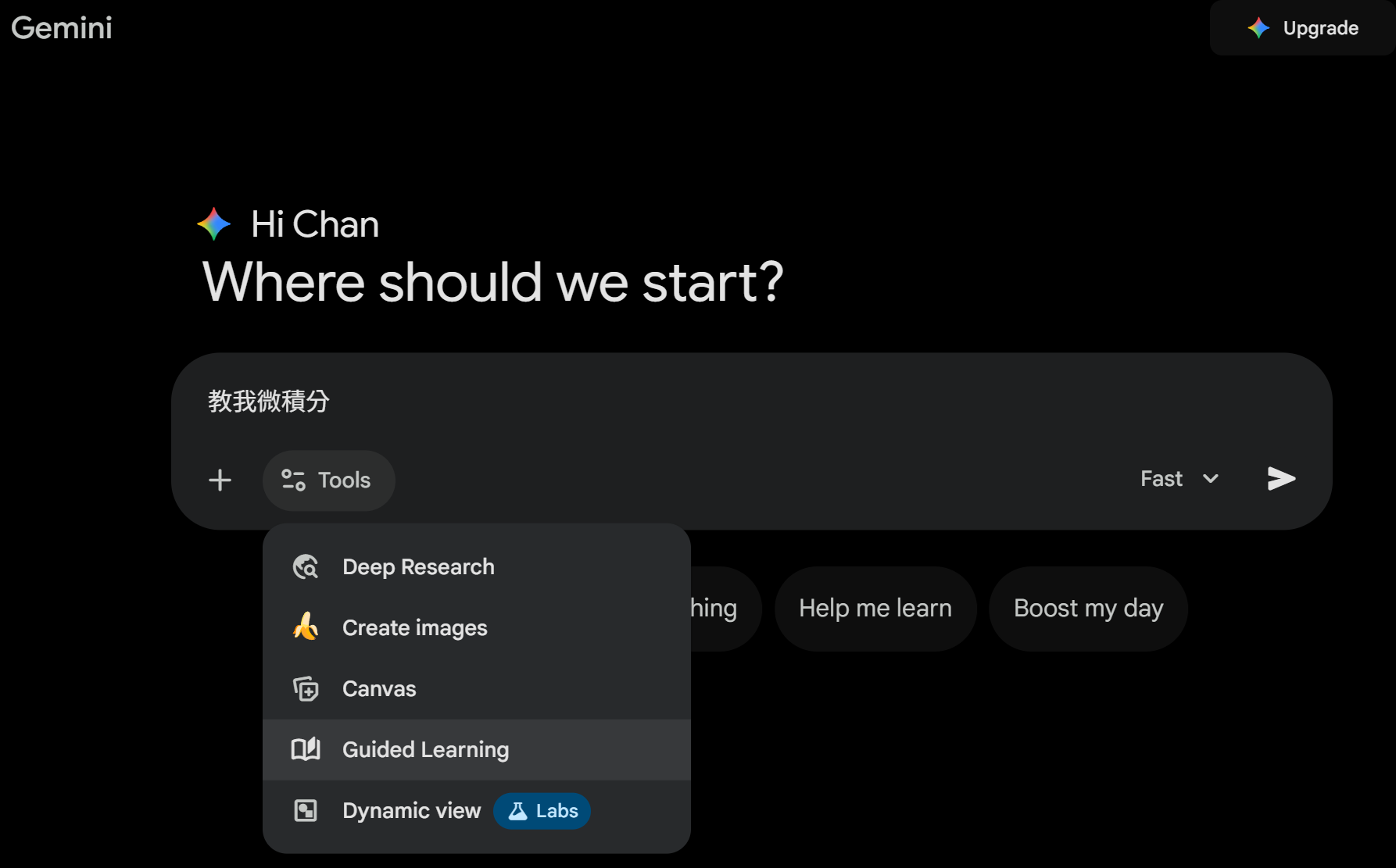
Guided Learning Super suitable for students! Activate Guided Learning mode, ask "Teach me calculus", it will not give direct answers, but will guide step by step, ask questions, check understanding, and even add images and videos for explanation. Like a personal tutor!
Gems Custom AI Assistant Create your own Gem, such as a "Fitness Coach Gem" or a "Writing Assistant Gem". The free version has a limited number, while the paid version is unlimited. Tip: Give detailed instructions, such as "You are a Hong Kong food expert, respond in Cantonese."
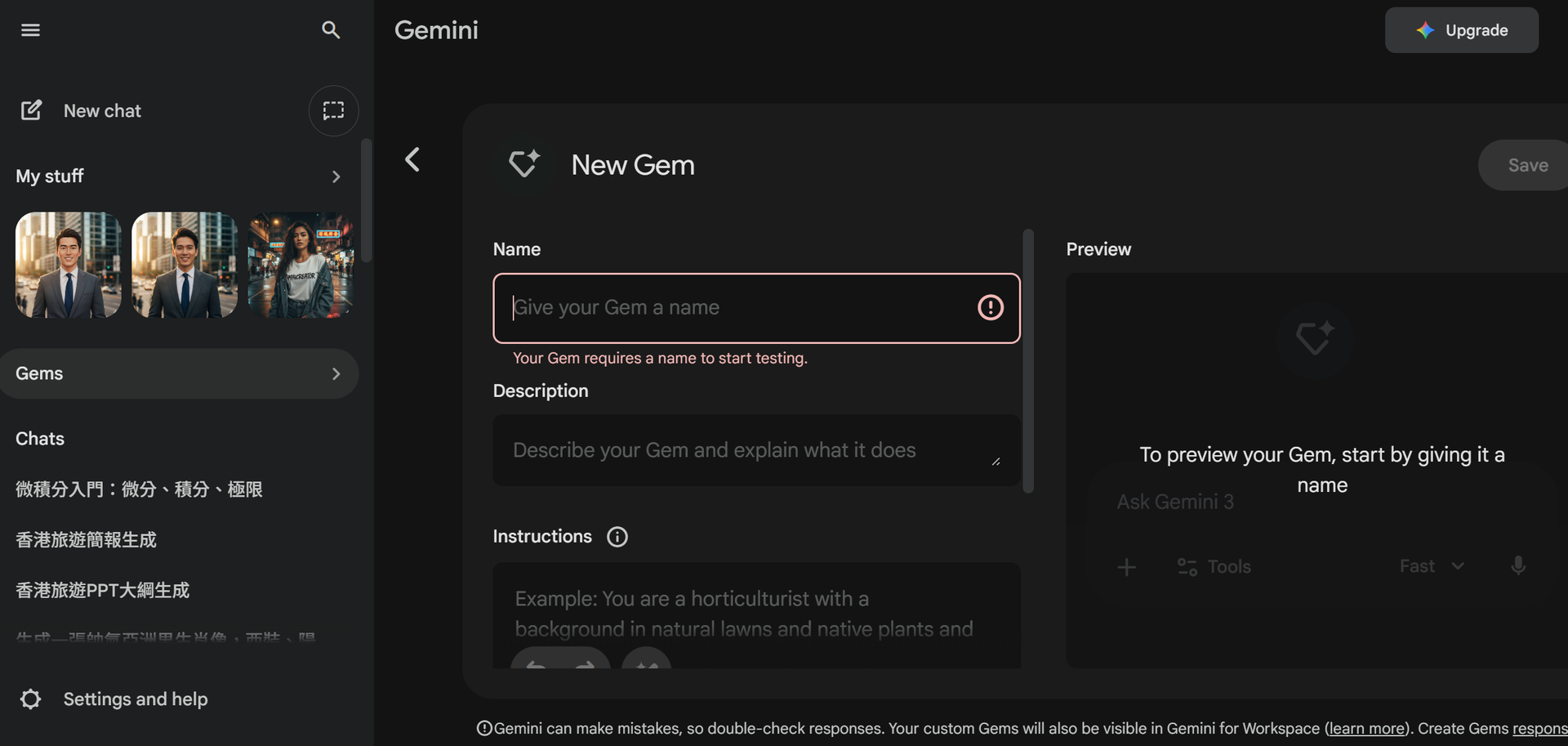
Upload image analysis, use Gemini's image analysis feature to upload real-time images and receive AI recognition results.
Gemini Canvas - Collaborative editor
Feature definition: An independent writing and programming interface that separates "dialogue" from "content". Users can directly edit documents on the right canvas and make local adjustments through the dialogue box on the left.
Operation: Paste a Chinese announcement into the Canvas. Select a paragraph, click "Ask Gemini", and enter "Rewrite this in formal Business English appropriate for a Hong Kong legal firm."
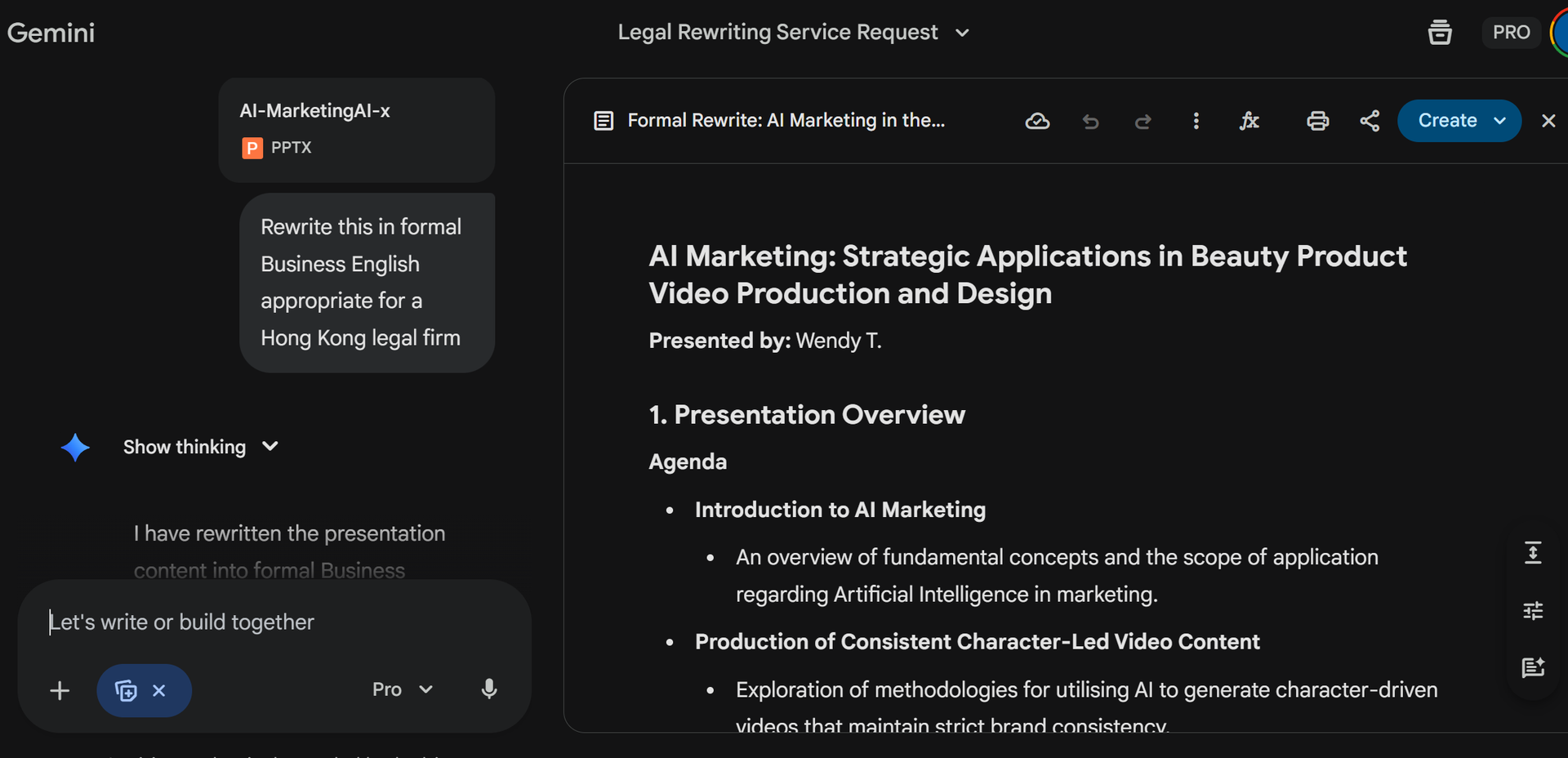
Data analysis and export to Sheets
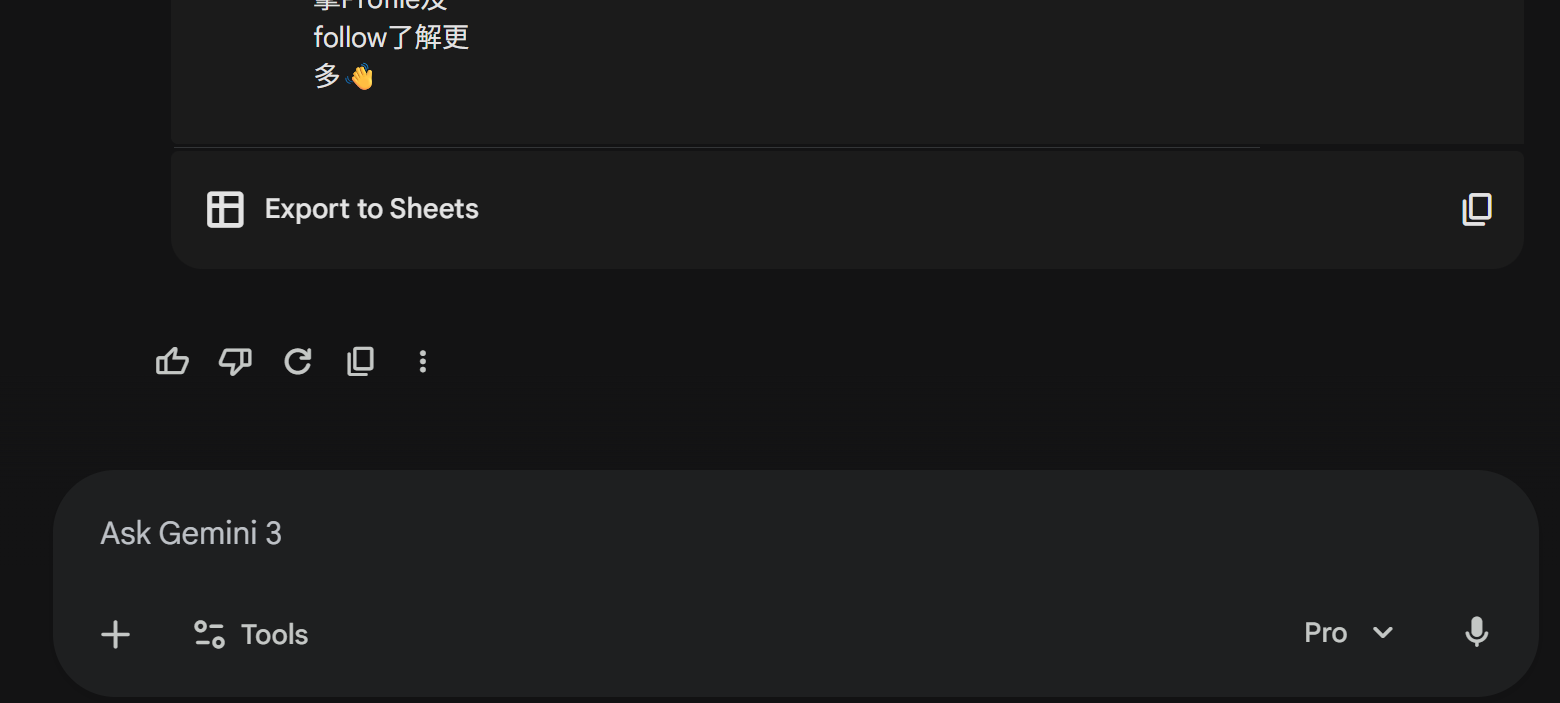
Feature definition: Gemini can handle uploaded Excel/CSV files or extract data from PDFs, and directly generate editable Google Sheets.
- PDF to Excel。
Operation: Upload a PDF quotation from a supplier or a government statistical annual report.
Instruction: "Extract all product names, SKUs, and unit prices from this document. Format the data into a table."
- Video multimodal analysis
- Feature definition: Upload a video file or provide a YouTube link, Gemini can "understand" the video content and answer questions.
- Application scenarios in Hong Kong:Online course/lecture transcription。
Instruction: Provide a 1-hour financial lecture YouTube link. "Summarise this lecture on Web3 regulation. List three key risk points mentioned by the speaker and provide relevant timestamps."
After using Gemini, I really feel like I have an incredibly smart assistant. Especially in Hong Kong, after using the free version, features like generating and modifying images, and creating presentations save time and are professional. Just remember to use a VPN, safety first, choose a reliable one.
Source and Image Source: Google
*The reference numbers are for reference only, actual figures may vary.