Our Services
What has ChatGPT Image 1.5 upgraded? In what aspects is it stronger than Nano Banana Pro?
One of the most common problems beginners encounter when first getting into AI drawing is that they 'draw' a perfect composition, but their fingers are broken, or the face is slightly distorted. When they try to edit the image, they find that the more they edit, the more distorted it becomes, and in the end, the whole image is 'unrecognisable'. Or, are you like me, having to stare at the screen spinning in circles until the end of time every time you press the generate image button?
Today, I want to talk to you about the major update just released by OpenAI - 'ChatGPT Image 1.5'. This upgrade is not just a simple version number change; it has made huge leaps in speed, accuracy, and even in the most troublesome area of 'text rendering'. Of course, there is another super strong model on the market, the Nano Banana Pro (the top image model in the Google Gemini series). What gives ChatGPT Image 1.5 the confidence to claim it is stronger? This article will provide a detailed 'equipment value' comparison to help you make a clearer choice when selecting AI teammates!
Highlights of ChatGPT Image 1.5 Upgrade
How to choose between ChatGPT Image 1.5 and Nano Banana Pro?
What areas has ChatGPT Image 1.5 upgraded?
OpenAI officially released this new model on December 16, 2025, claiming it to be their best image generation flagship model to date. Compared to previous versions (like GPT Image 1.0 or earlier 4o image generation),ChatGPT Image 1.5has several obvious improvements, let's take a look one by one:
- Stronger command adherence: This is probably the most praised point! No matter how detailed the prompts were written before, the AI sometimes still 'thought it knew better' and made random changes. Now, theChatGPT Image 1.5can understand your commands more accurately, whether it's 'change the background to a sunset beach but keep the character's expression unchanged' or 'add specific text to the image but the font should be elegant', it can reliably execute them. The official statement says this is much stronger than the previous generation, especially suitable for creations that require fine control.
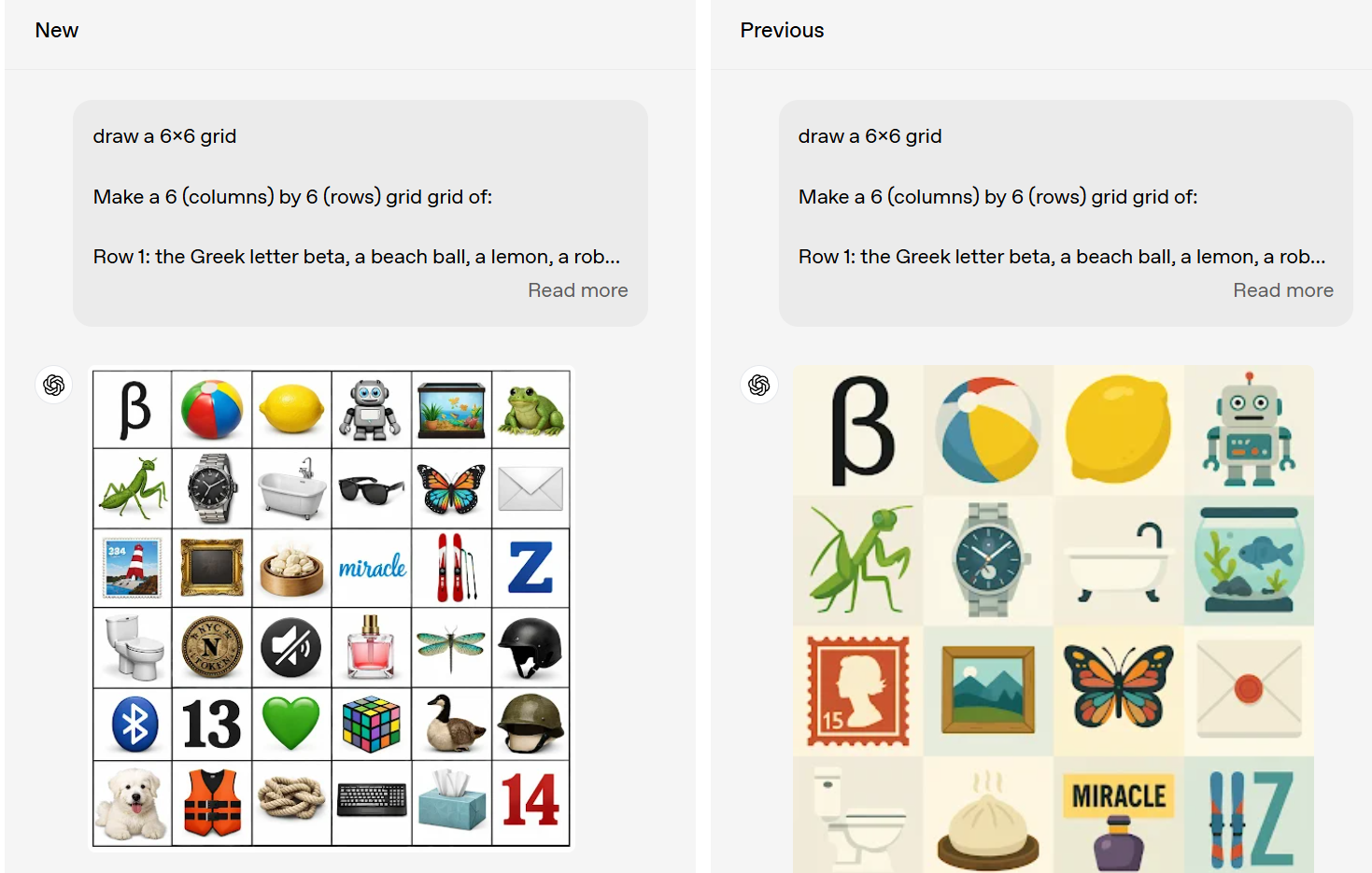
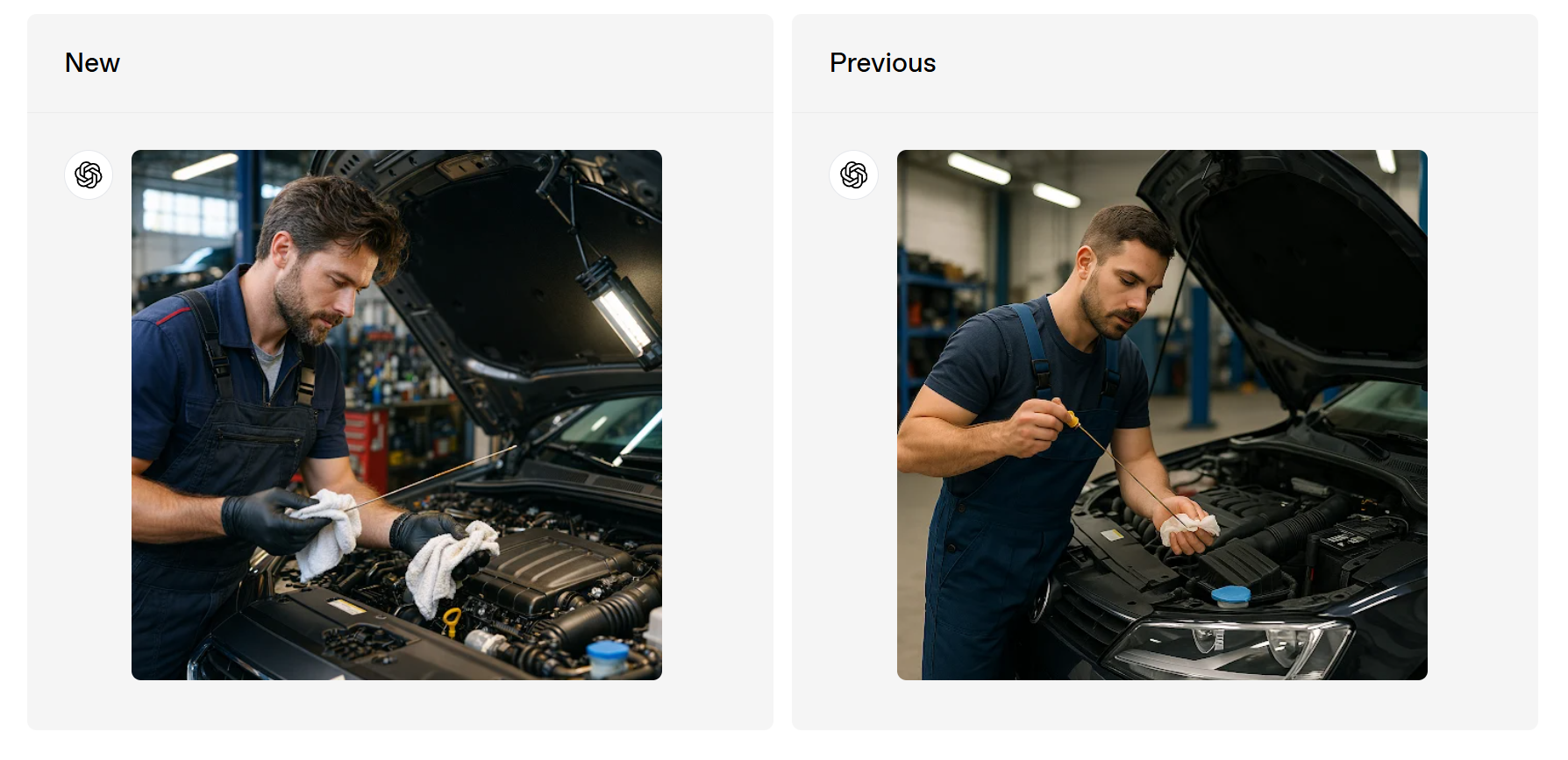
- More precise editing, better detail retention: When editing photos, the biggest fear is facial distortion, lighting issues, or overall composition collapse. This upgrade focuses on 'preserving important details', such as facial similarity, lighting, and composition, all of which can remain consistent through multiple edits. Even small faces or complex scenes are handled more naturally. Imagine you upload a selfie and then say 'change it to look like I'm wearing a suit', and the result is still your face, with a natural pose and a coordinated background - this is the power ofChatGPT Image 1.5.的實力。
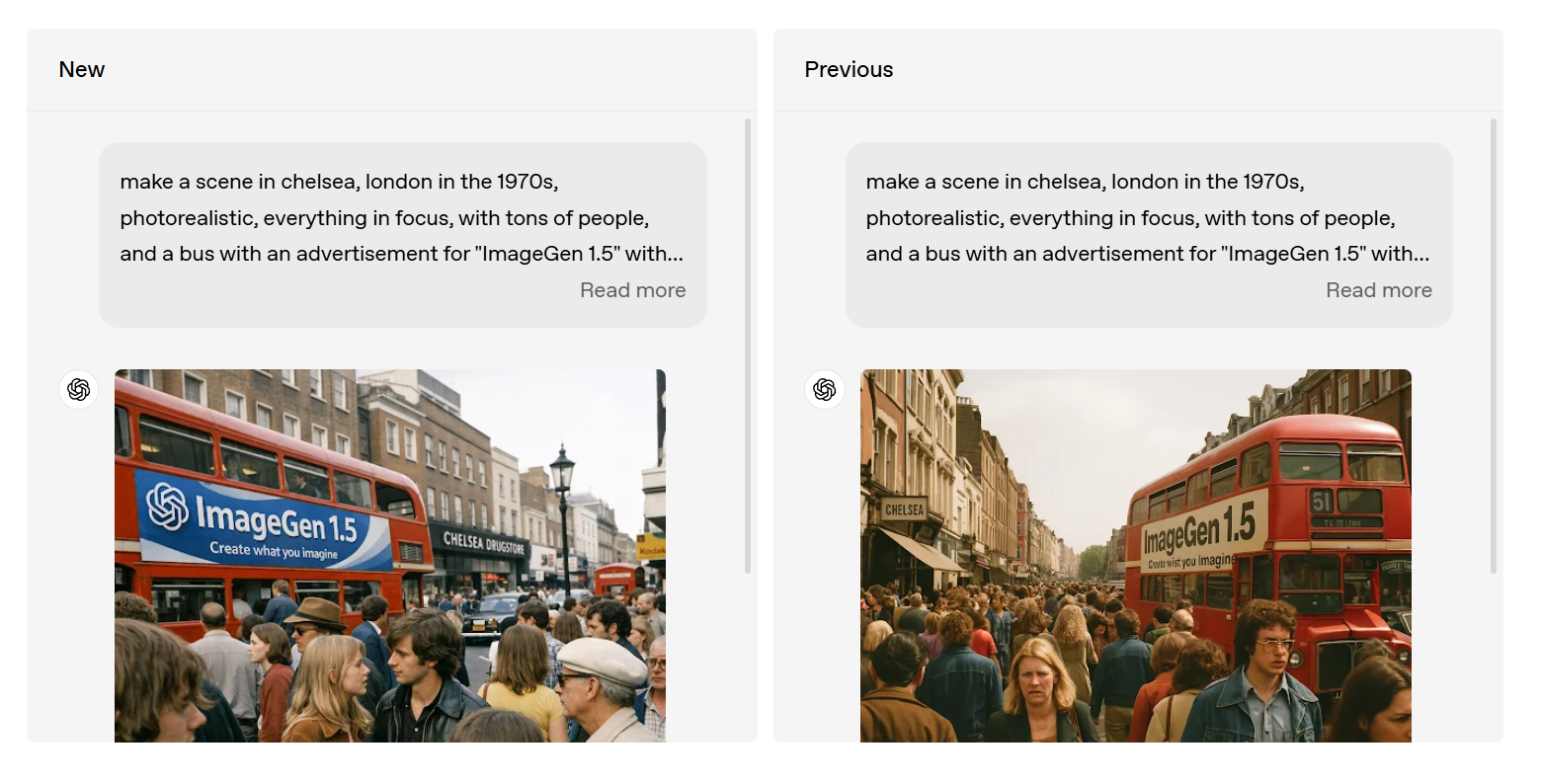
- Generation speed is incredibly fast: Up to four times faster than the previous generation! Plus, you can continue with other tasks while generating, without having to wait idly. For designers or content creators who need rapid iteration, this is simply a lifesaver. The API part has also been optimised, with input and output costs reduced by 20%, allowing developers to generate more images on a smaller budget.
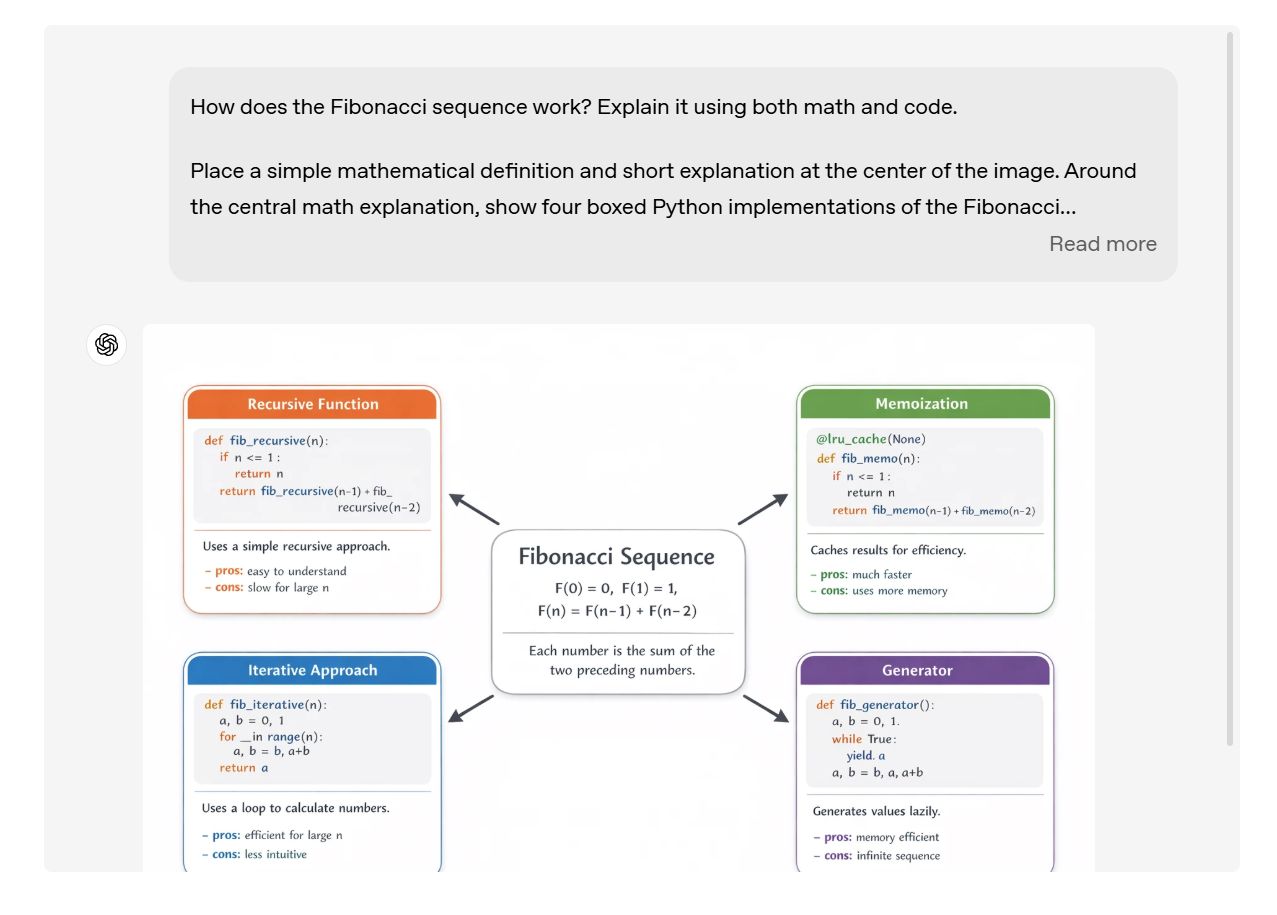
- Significant progress in text renderingPreviously, generating images with text, such as posters, invitation cards, or infographics, often resulted in text that was blurry or unnatural. Now,ChatGPT Image 1.5can handle denser and smaller text, looking extremely professional. It is suitable for slogans, product catalogues, or multilingual content.
- The overall output is more natural.Facial features are processed better, and the output looks more realistic, without that overly 'AI' feel. Whether in a realistic style or a creative one, it looks better on camera.
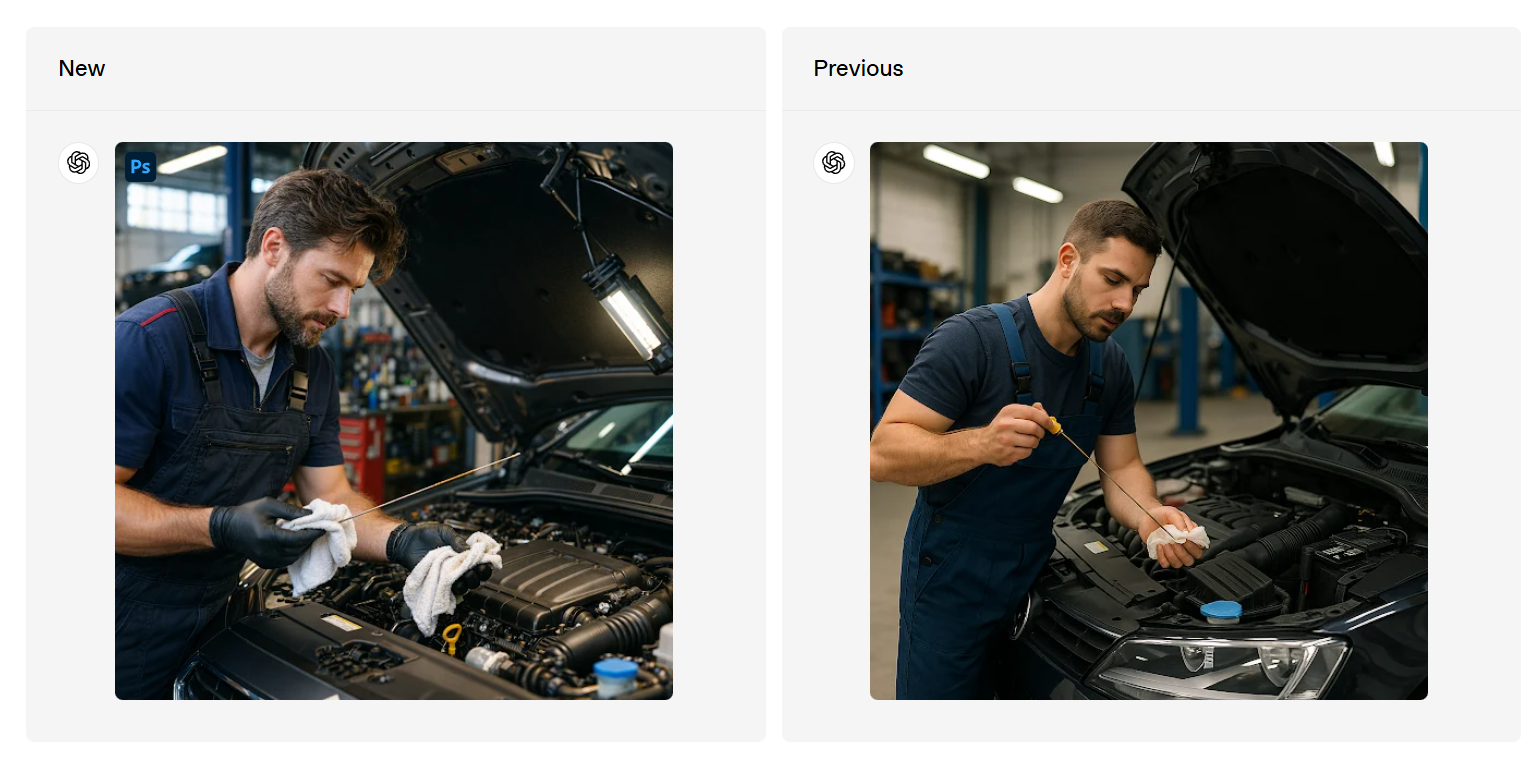
These upgrades makeChatGPT Image 1.5not only suitable for fun but also perfect for professional applications, such as e-commerce product images, marketing materials, or brand consistency design, and many businesses have already started using it.
Blog Author Recruitment
A brand new Images experience: the latest features are super fun!
In addition to the model upgrade, OpenAI has also launched a dedicated 'Images' sidebar feature, making image generation more focused and convenient. Previously, everything was generated in the chat window, but now there is a separate space, feeling like entering an AI creative studio.
- Preset filters and popular prompts: You don't have to think of prompts yourself; just click on trending styles or popular ideas to quickly inspire creativity. For example, if you want to try a 'movie poster style' or 'grid collage', just click to generate.
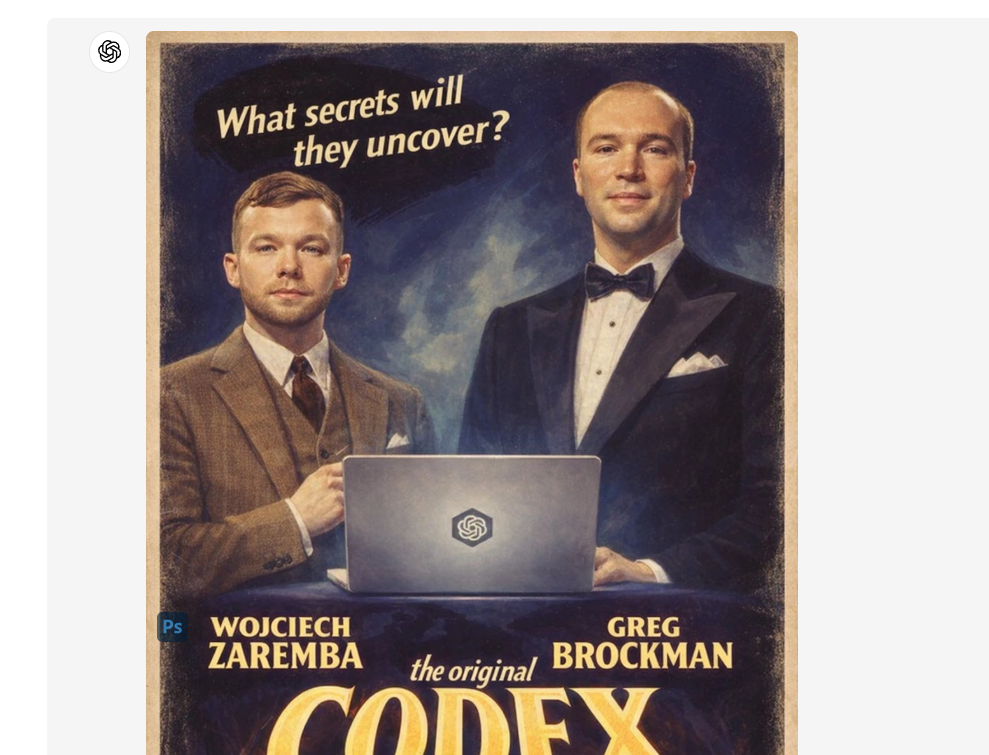
- One-time upload of appearance: An extremely practical feature! You can upload your own photo once, and then reuse your appearance when generating images to maintain consistency. It's super convenient for creating a series of selfie transformations or personalised story images.
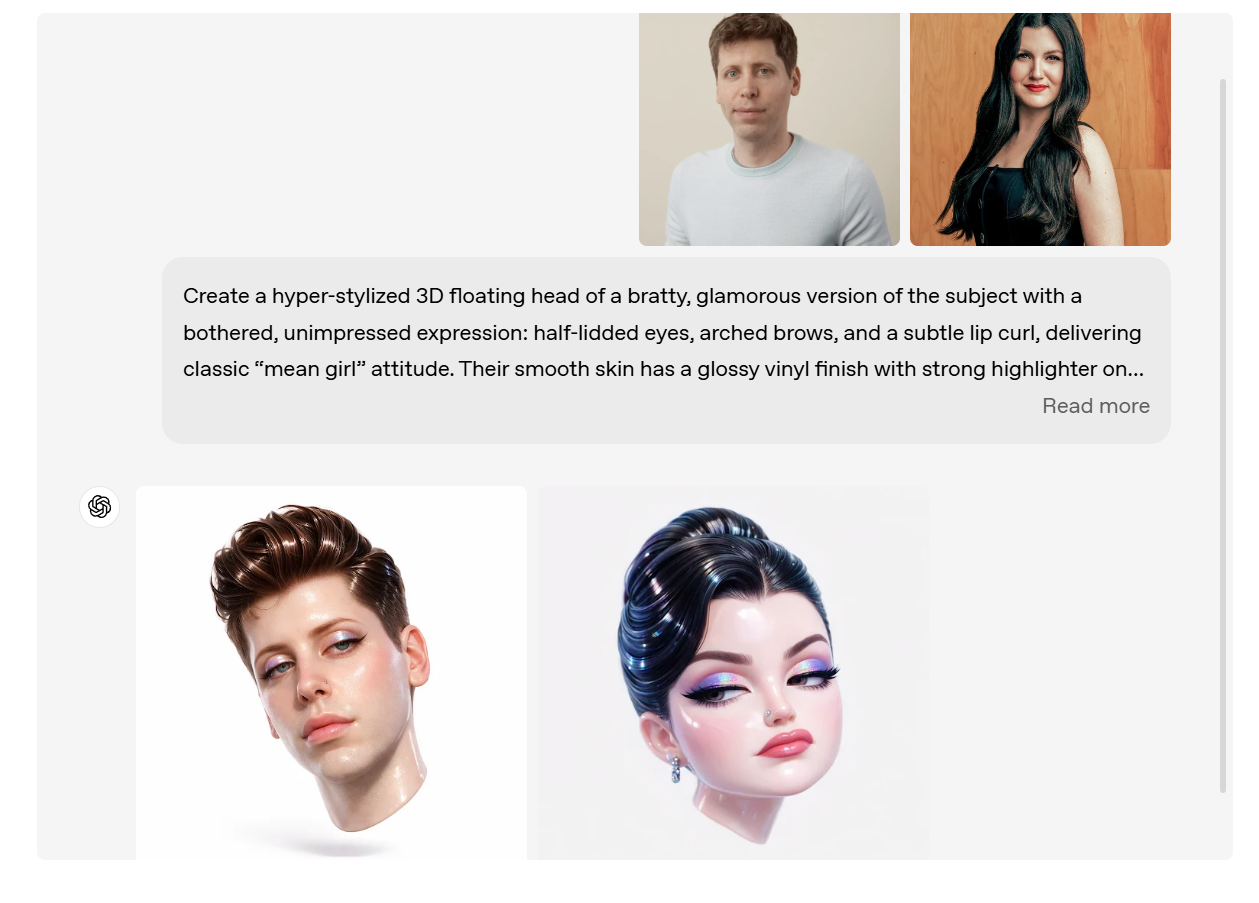
Latest feature sharing:
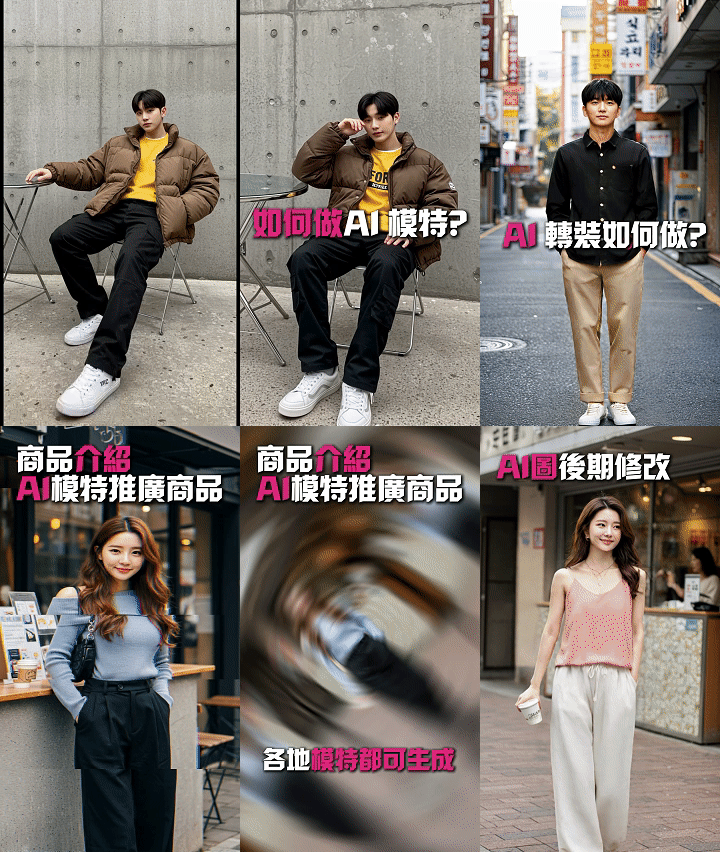
- Practical editing: Upload product photos and say 'help me change the background to a lifestyle scene' or 'try on different coloured clothes', suitable for e-commerce or virtual fitting.
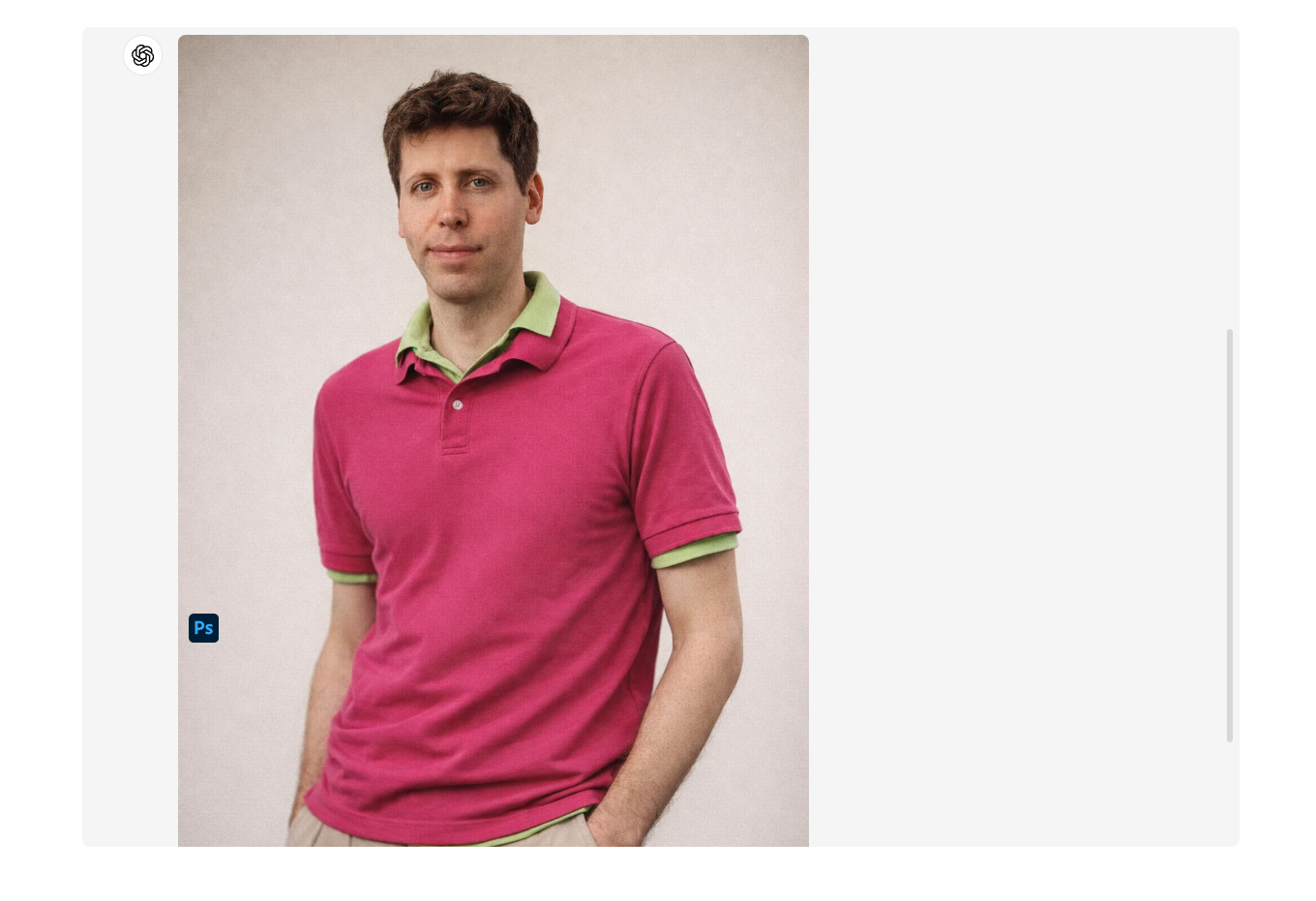
- Creative transformation: Turn everyday photos into movie posters, cartoon styles, or reimagine concepts. For example, 'turn me into a sci-fi hero' or 'make this family photo in the style of Studio Ghibli'.
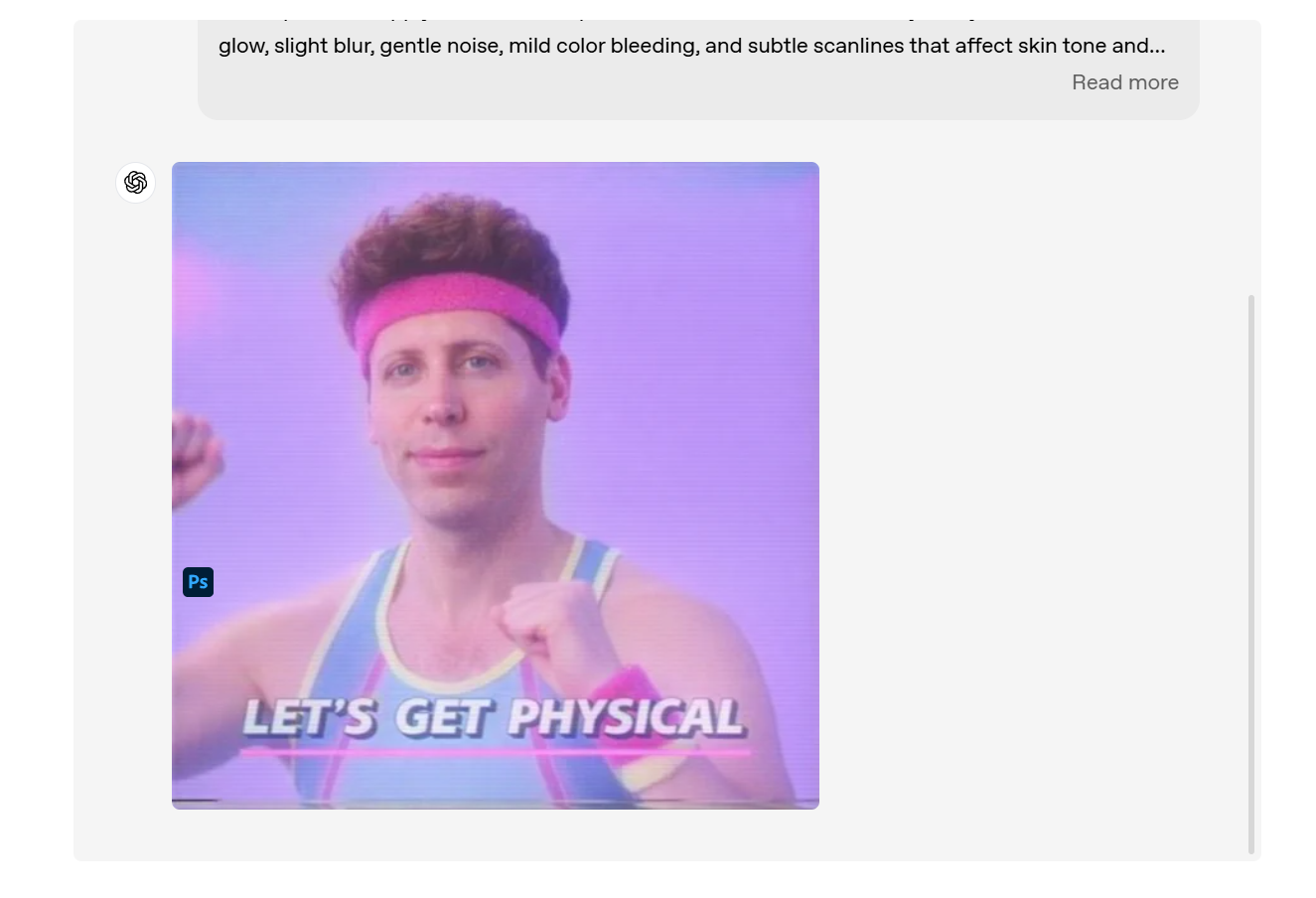
- No prompt creation: Generate directly using preset ideas, suitable for when you're out of inspiration and just want to play around.
- Combination applications: After generating multiple images, you can use the editing function to combine them or add text to create infographics.
- Practical editing: Upload product photos and say 'help me change the background to a lifestyle scene' or 'try on different coloured clothes', suitable for e-commerce or virtual fitting.
These features allowChatGPT Image 1.5to not only generate images but also iterate on creations like a professional tool. All ChatGPT users (including the free version) can now use it, and API developers can directly upgrade to GPT-Image-1.5, making it very accessible!
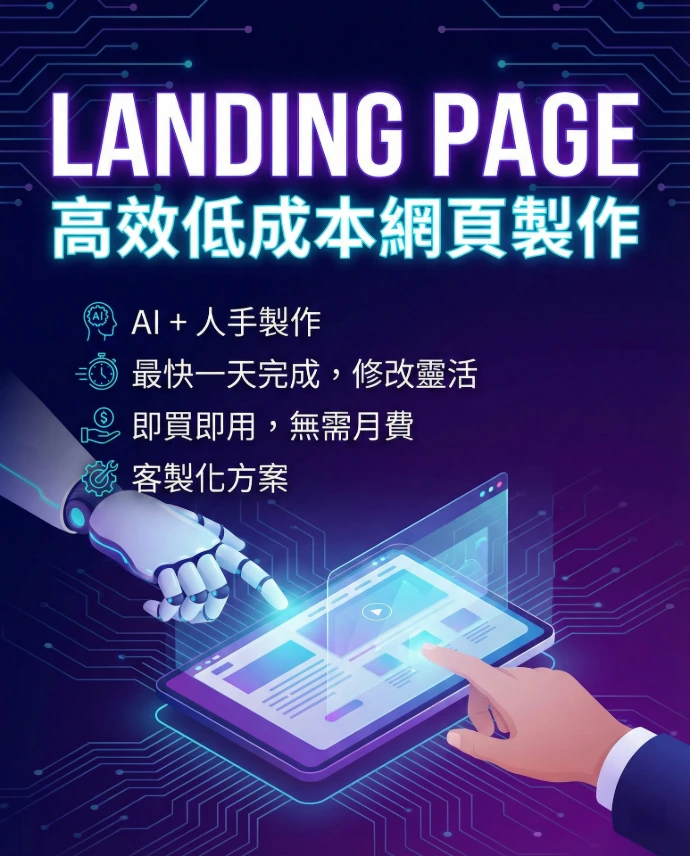
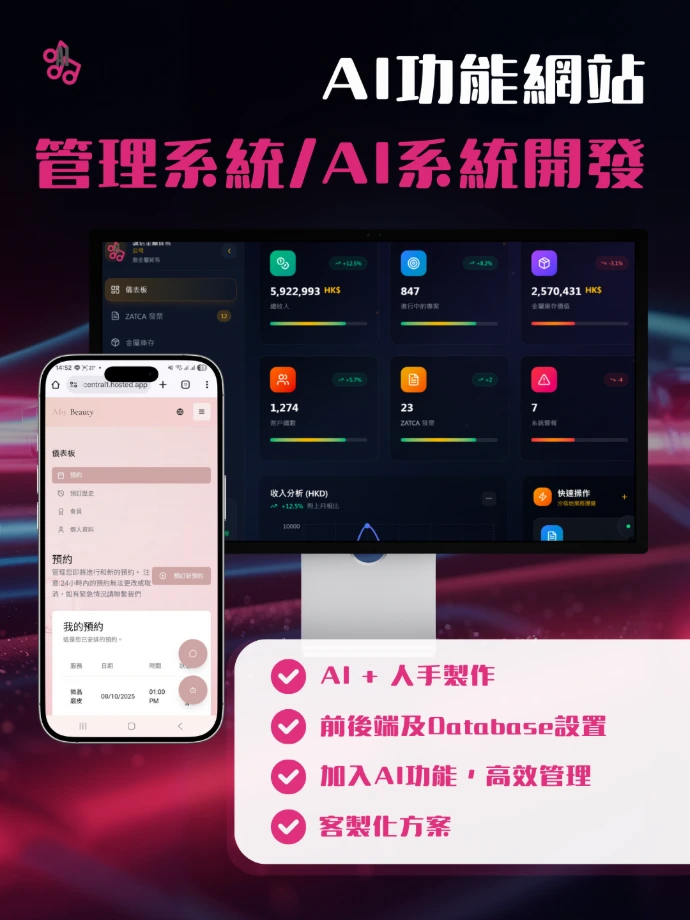
Landing Page creation service
Utilising AI technology, quickly create Landing Pages that meet various promotional and integration needs, efficiently reducing manual processing costs with AI automation.
Contact to learn more Learn more
Click the image to preview the DEMO



What makes ChatGPT Image 1.5 stronger than Nano Banana Pro?
When it comes to competition, everyone will think of Google's Nano Banana Pro (an image model based on Gemini 3 Pro), which has also been very popular recently, especially excelling in multilingual text, complex combinations, and professional design. Both models are top-notch, but each has its strengths.
ChatGPT Image 1.5truly excels in the quality of image design and command control:
- More exquisite designThe output looks more natural and delicate, with light, shadow, composition, and character similarity handled with great detail. Many tests show thatChatGPT Image 1.5the generated images have a stronger sense of 'artistry' and professional quality, making them particularly suitable for aesthetically pleasing outputs, such as marketing posters or creative concepts.
- Better command controlCommand adherence is OpenAI's strong suit; it does exactly what you say, and it won't randomly change parts that shouldn't be altered during editing. The speed is also fast, and iteration is very smooth.
On the other hand, Nano Banana Pro is indeed stronger in handling Chinese, especially in multilingual text rendering and complex infographics (like charts or posters with a lot of Chinese characters), with high accuracy and naturalness. If you often create Chinese content, Nano Banana Pro may be more to your taste.
Overall, both are extremely powerful; the choice depends on your needs. If you pursue overall aesthetic and precise control in images,ChatGPT Image 1.5is definitely the first choice; if the focus is on Chinese characters or super complex combinations, Nano Banana Pro has the advantage. Everyone can try both and see which one suits them better.
Conclusion:
ChatGPT Image 1.5This upgrade is truly exciting, from speed and precision to new features, it feels like OpenAI is seriously listening to user feedback. Whether you are a beginner wanting to play creatively or a professional needing efficient tools, it's worth logging into ChatGPT right away to try it out. Open the Images feature in the sidebar, try uploading photos for editing, or generate a few images using popular prompts; it's guaranteed to be addictive!
If you have generated good images or interesting ways to use it, feel free to leave a comment and share~ See you next time, and continue exploring the infinite possibilities of AI!
Source and Image Source: Chatgpt
https://openai.com/index/new-chatgpt-images-is-here/
*The reference numbers are for reference only; actual figures may vary.